11
English
Basic Operation
2
1
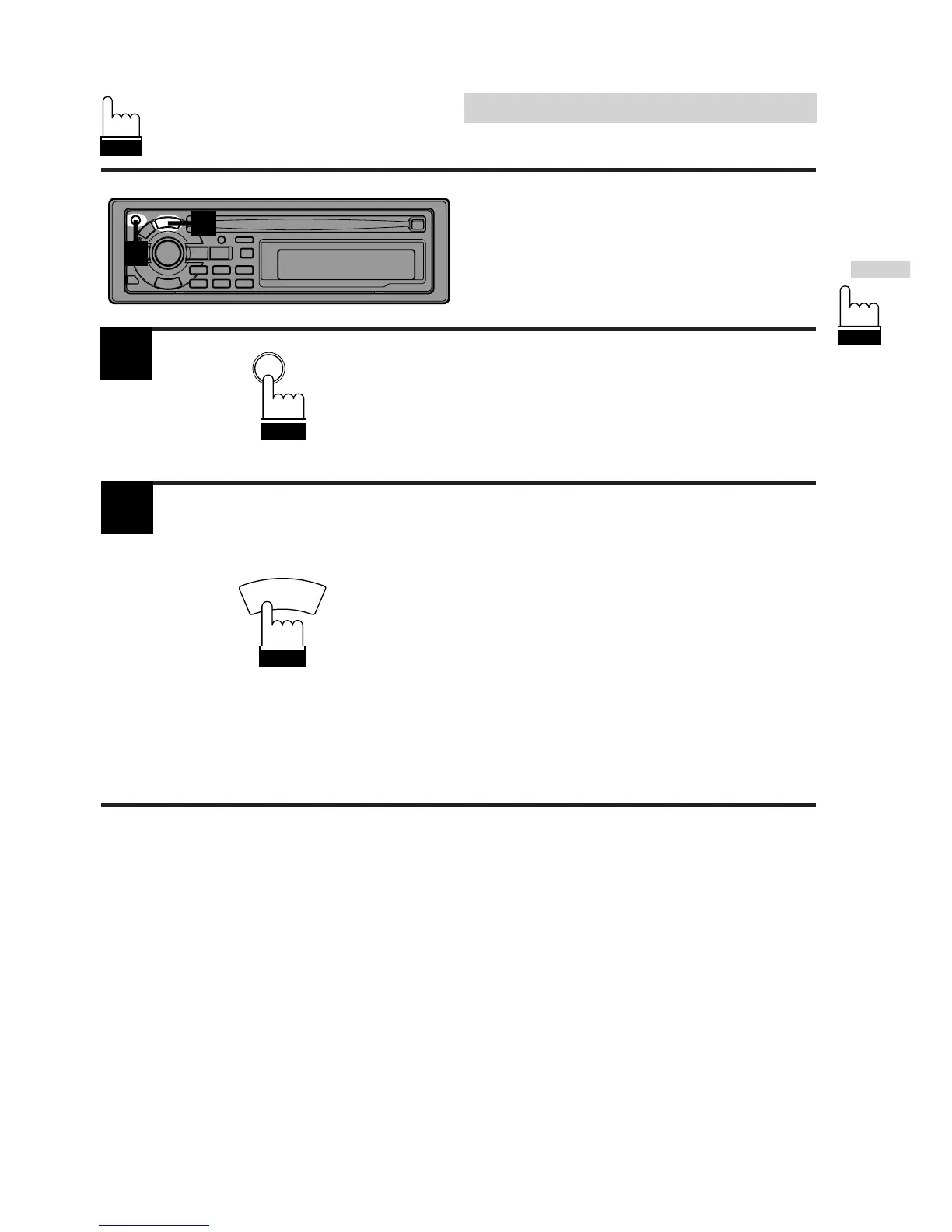
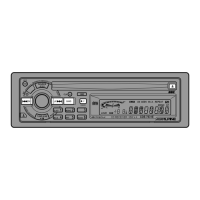
Press the PWR (POWER) button to turn on the
unit.
Note: When the ignition key is turned on then
the power is turned on immediately after
installation or resetting, the A.S.U.
function is activated automatically.
Automatic Setup (A.S.U.)
This convenient feature sets up the unit
automatically after installation.
1
2
Press and hold the A.S.U. (Automatic Setup)
button for at least 3 seconds to activate the
A.S.U. mode.
"ASU" blinks in the display.
The unit automatically performs the following
operations.
1. Activates Auto Memory mode.
2. Gradually sets the Bass, Treble, Balance
and Fader controls to their center positions.
3. Gradually increases the volume to the
position 12 in the display.
4. Turns the Loudness and BBE on.
5. Ends the A.S.U. mode.
SOURCE
A.S.U.
INTLZ
PWR


 To Next Page