21
English
Radio Operation
1
1
A total of 24 stations can be stored in the preset
memory (6 stations for each band; FM1, FM2,
AM and D.A.P.).
Note: If you store a station in a preset
memory which already has a station,
the current station will be cleared and
replaced with the new station.
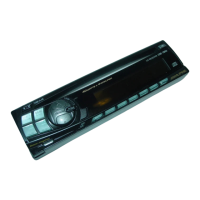
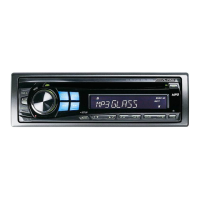
1. Select the radio band and tune in a desired
radio station you wish to store in the preset
memory.
2. Make sure that the Function indicator
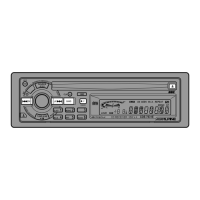
illuminates, and press and hold any one of
the preset buttons (1 through 6) for at least
2 seconds until the station frequency on the
display blinks.
3. Press the preset button into which you wish
to store the station while the frequency
display is blinking (within 5 seconds).
The display stops blinking once the station
has been memorized. The display shows
the band, preset No. with a triangle (9) and
station frequency memorized.
4. Repeat the procedure to store up to 5 other
stations onto the same band.
To use this procedure for other bands,
simply select the band desired and repeat
the procedure.
Manual Storing of Station
Presets
D.A.P
1
MONO
2 3
M.I.X
4
RPT
5
SCAN
6


 To Next Page