18
English
Radio Operation
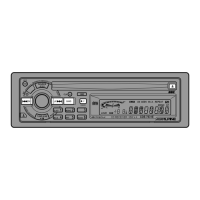
Press the SOURCE button to select the radio
mode.
1
Manual Tuning
Press the BAND button repeatedly until the
desired radio band is displayed.
2
1
3
2
4
SOURCE
A.S.U.
T08 0'16
(CD mode)
(Radio mode)
F 1
F 2
AM
BAND
Press the TUNE button repeatedly until "DX
SEEK" and "SEEK" disappears from the
display.
Note: The initial mode is DX SEEK.
3
(OFF)
DX SEEK
SEEK
Press the DN or UP button to move downward
or upward one step respectively until the
desired station frequency is displayed.
UP
DN
F1 90.1
4
TUNE·A.ME
90.1


 To Next Page