FR
ES
DE
SE
IT
17-EN
CD
Fast Forward and Backward
1 Press and hold the g DN or f UP button to
quickly move backward or forward until you
reach the desired section of the track.
Repeat Play
1 Press the REPEAT button to play back
repeatedly the track being played.
The RPT indicator appears and the track will be
played repeatedly.
Press the REPEAT button again and select OFF
to deactivate the repeat play.
M.I.X. (Random Play)
1 Press the M.I.X. button in the play or pause
mode.
The M.I.X. indicator will illuminate and the tracks
on the disc will be played back in a random
sequence. After all the tracks on the disc have
been played back once, the player will begin a
new random sequence play until the M.I.X. mode
is cancelled.
To cancel M.I.X. play, press the M.I.X. button
again to turn off the M.I.X.
Scanning Programmes
1 Press the SCAN button to activate the Scan
mode.
The first 10 seconds of each track will be played
back in succession.
To stop scanning, press the SCAN button and
deactivate the Scan mode.
Displaying and Scrolling CD Text
While playing the audio CD with CD Text, the
disc and track names can be displayed and
scrolled.
1 In CD mode, press the TITLE button repeatedly
to display Disc Text or Track Text.
NOTE
If your CD has no Text Information, NO TEXT appears.
2 Press and hold the TITLE button for at least 3
seconds to scroll the information stored on the
disc.
After scrolling, the display returns to normal
mode.
NOTE
SCROLL: the display is scrolled only when a disc is
loaded or when a track is changed or when the power
turns ON during CD mode on this unit.
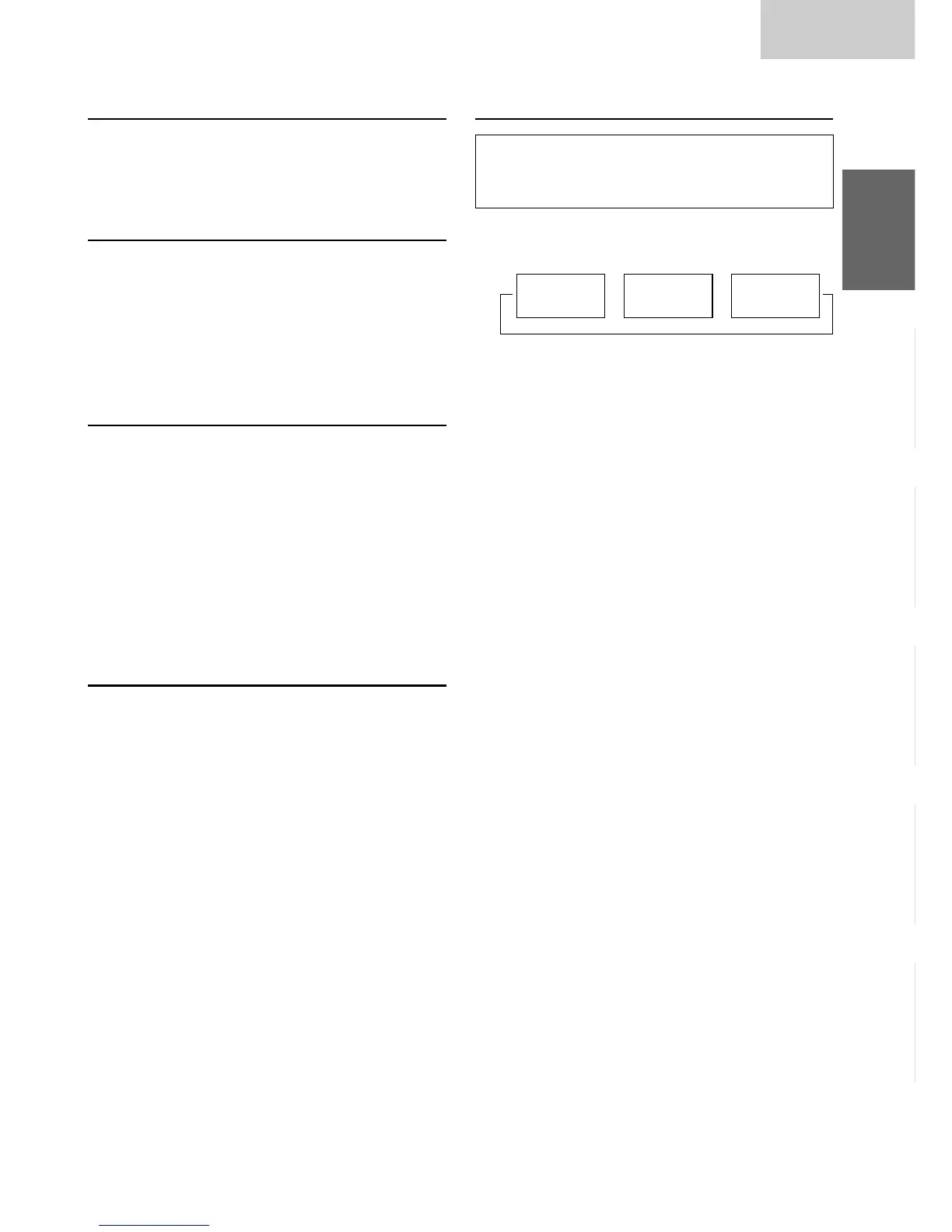
→
→ →
Playing time
mode
DISC TEXT
mode
TRACK
TEXT mode


 To Next Page