33-EN
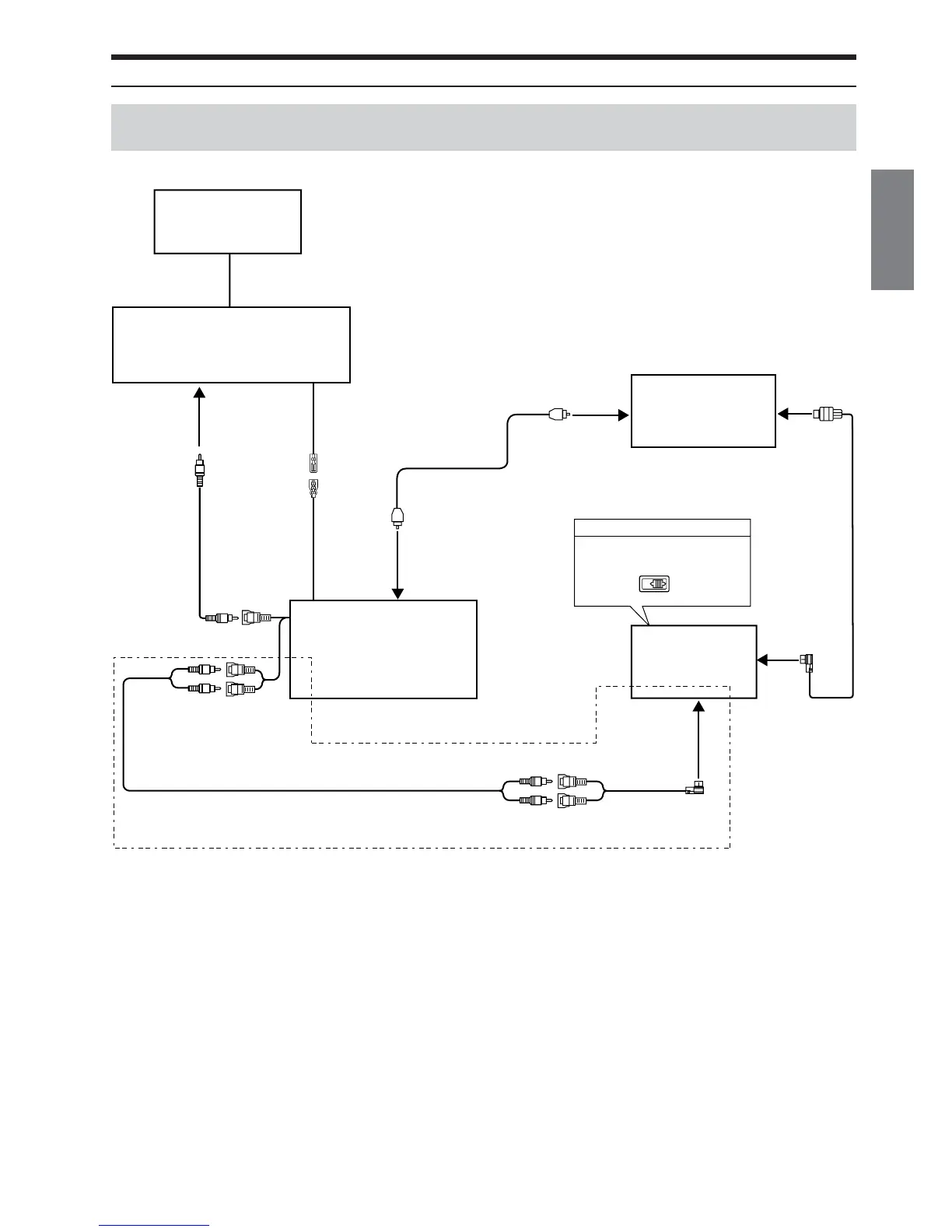
Connecting an Ai-NET compatible Head Unit, Digital Audio Processor (PXA-H701, PXA-H900, etc.)
and ALPINE TV Monitor
EQ/DIV
•Also refer to the operating instructions of the other products in the system.
ALPINE TV Monitor
(Sold Separately)
Digital Audio Processor
PXA-H701 etc
(Sold Separately)
AUX Video Input
Terminal (AUX1)
Remote Control
Input Lead
(White/Brown)
Remote Control
Output Lead (AUX1)
(White/Brown)
Video Output
Connector
RCA Extension Cable (Included)
Audio Output
Connector
*Only when Digital Audio Processor is not connected
In this case, the system switch of the head unit is set to “NORM.”
RCA Extension
Cable (Included)
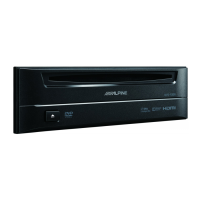
DVD Player
DVE-5207
Digital Output
Ter minal
(Optical)
Fiber Optic Cable
(Sold separately
4915/4916)
Digital Input
Ter mi nal (Optical)
(for DVD Player)
Ai-NET Input
Connector
System Switch
When connecting a digital audio
processor using Ai-NET feature, place
this switch in the EQ/DIV position.
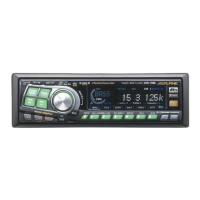
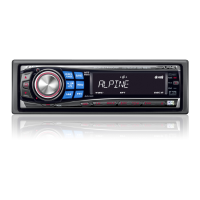
Head Unit
with Ai-NET
(Sold Separately)
Ai-NET Input
Connector
ALPINE TV Tuner
(Sold Separately)
System Example
Ai-RCA Conversion
Cable (Sold Separately)






 To Next Page