8
English
ADJUSTMENT/OPERATION
Selecting the Audio
Adjustment Mode
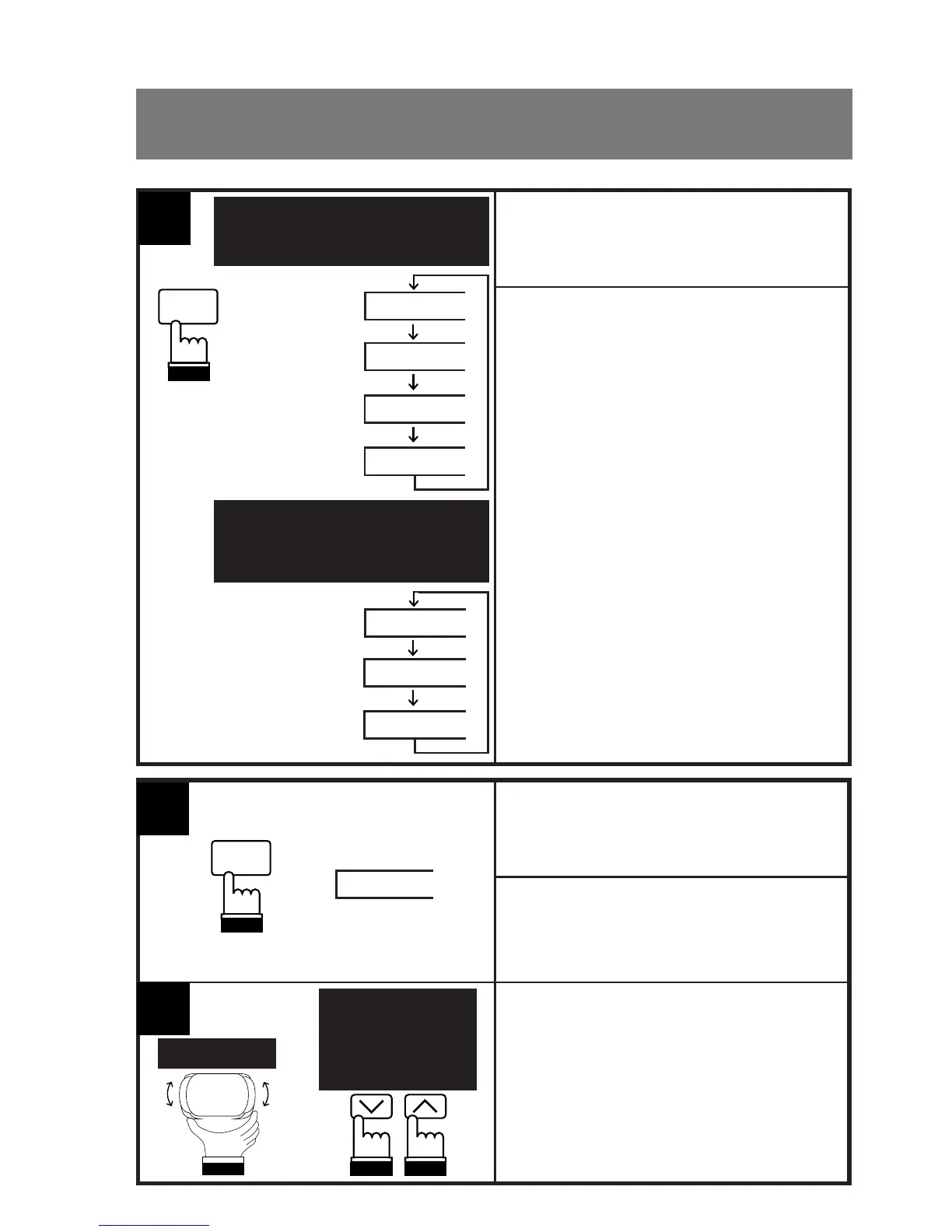
Press the MODE button on the Head unit
repeatedly until your desired adjustment
mode appears on the display.
• In the subwoofer on mode, the display
changes;
VOLUME → BALANCE → FADER →
SUB. W. (Subwoofer) → VOLUME
• In the subwoofer off mode, the display
changes;
VOLUME → BALANCE → FADER →
VOLUME
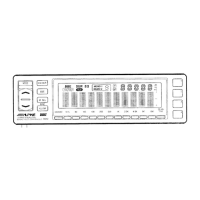
When the ERA-G100 is connected to the
Head unit, the display on the Head unit will
not show "TREBLE" and "BASS."
1
MODE
LOUD
BALANCE
FADER
SUB. W.
VOLUME
VOLUME
FADER
BALANCE
Subwoofer off mode
Mode subwoofer hors service
Mode de subgraves
desactivado
Subwoofer on mode
Mode subwoofer en service
Modo de subgraves activado
MODE
LOUD
Press the MODE button on the Head unit
repeatedly to select the Subwoofer adjust-
ment mode. The display shows "SUB. W."
for 5 seconds.
Adjusting the
Subwoofer Level
SUB. W.
Rotate or press the level control(s) on the
Head unit while the SUB. W. indicator is
displayed to increase or decrease the level
until the desired sound level is obtained. The
display shows the level from 0 to 15 dB
(max.).
1
2
TDA-7638R
Other Head Units
Antres appareils
principaux
Otras unidades
principales
or
ou
o


 To Next Page