29-EN
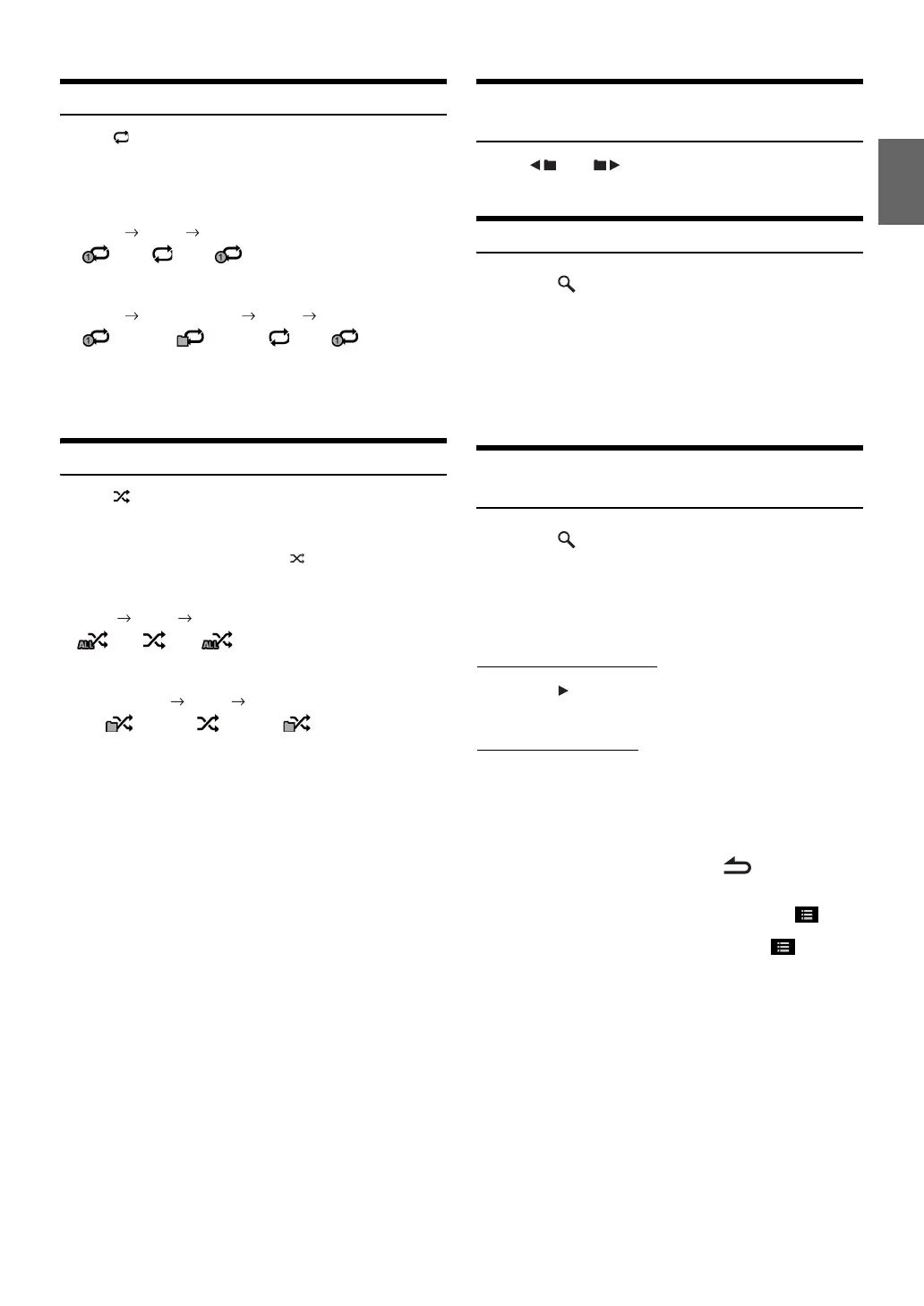
Repeat Play
Touch [] to repeatedly play back.
The tracks (files) will be played repeatedly.
The repeat mode switches every time the button is touched.
* Only files in a folder are repeatedly played back.
• If the Repeat Play mode is activated during M.I.X. playback, the
M.I.X. mode will be canceled.
M.I.X. (Random Play)
Touch [] of Bottom banner during playback.
The tracks (files) on the disc will be played back in a random
sequence.
The M.I.X. mode switches every time [] is touched.
* Only files in a folder are played back in random sequence.
• If the M.I.X. mode is activated during Repeat playback, the Repeat
Play mode will be canceled.
• If you select a track by using the search mode, the M.I.X. play mode
will be canceled.
Selecting Folders (Concerning MP3/
WMA/AAC)
Touch [] or [] of Bottom banner to select the
folder.
Searching from CD Text
1
Touch [ (Search)] of Bottom banner during
playback.
The CD text search screen is displayed.
2
Touch the selected track name.
The selected track will be played back.
• For details on how to scroll through the list, refer to “Selecting an
Item in a List” (page 24).
File/Folder Name Search (Concerning
MP3/WMA/AAC)
1
Touch [ (Search)] of Bottom banner during
playback.
The search mode is activated.
2
Touch [MUSIC].
The folder name list screen is displayed.
Folder Name Search mode
3
Touch [] in the desired folder.
The first file in the selected folder is played back.
File Name Search mode
3
Touch the desired folder name.
The File name of the selected folder is displayed.
4
Touch the desired file name.
The selected file is played back.
• To return to the previous hierarchy, touch [].
• For details on how to scroll through the list, refer to “Selecting an
Item in a List” (page 24).
• After selecting a folder via a Folder name search, touch [] on the
main screen to display the folder search screen.
• After selecting a file via a File name search, touch [] on the
main screen to display the file search screen.
CD:
Repeat (OFF) Repeat
MP3/WMA/AAC:
Repeat Repeat Folder* (OFF) Repeat
CD:
M.I.X. (OFF) M.I.X.
MP3/WMA/AAC:
M.I.X. Folder* (OFF) M.I.X. Folder*



 To Next Page