34
English
Basic Operation
Adjusting Parametric-EQ
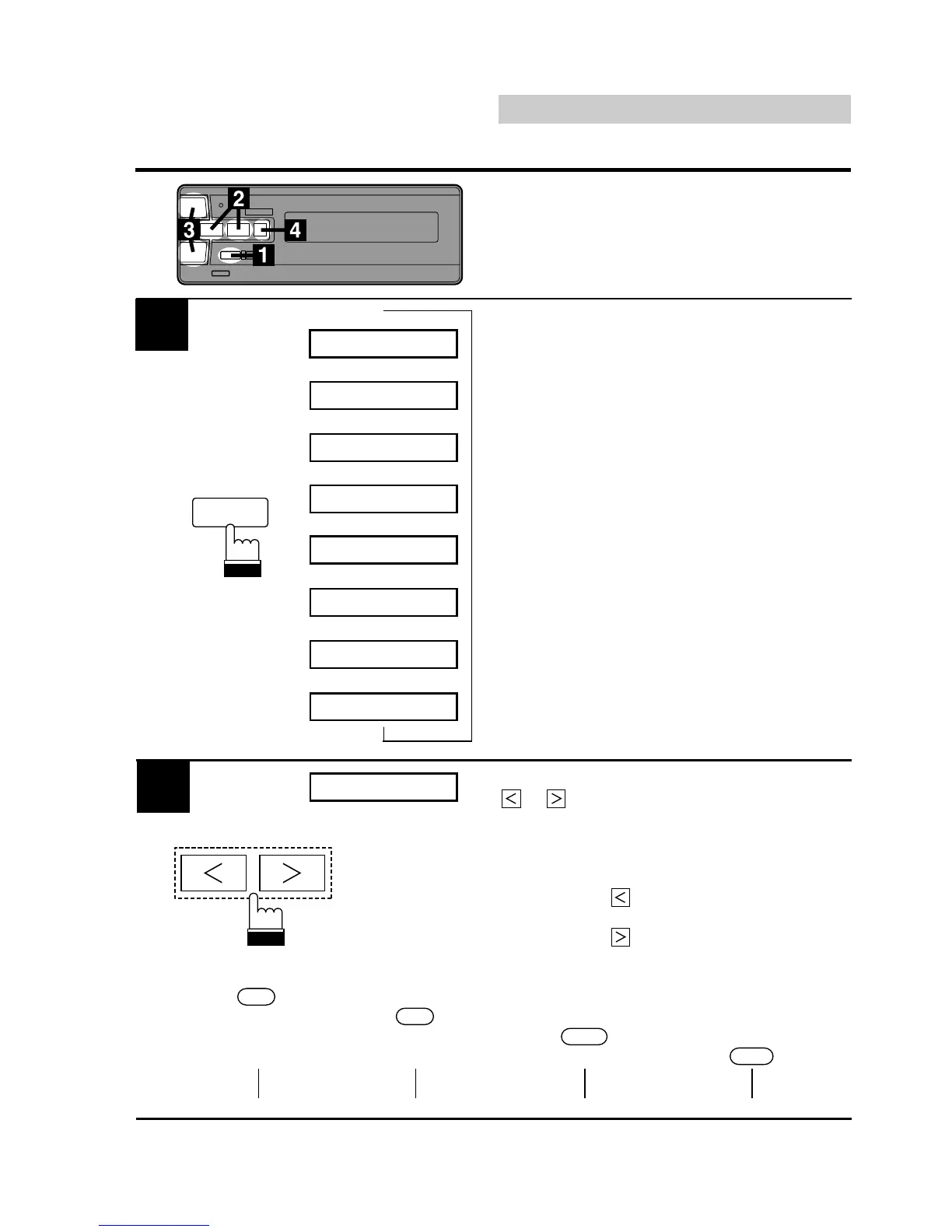
Press the EQ button repeatedly to choose the
desired mode.
1
F
40 +2 1.0
2
F
250 +2 1.0
3
F
1.6k +2 1.0
4
F
10k +2 1.0
1
R
40 +2 1.0
2
R
250 +2 1.0
→→→→→→→→
While the frequency is still displayed, press the
or button to adjust for the desired
frequency.
Notes: • The frequency of the adjacent band
does not move closer than 4 steps.
• The
button is nonfunctional for
the bands 2 to 4.
• The
button is nonfunctional for
the bands 1 to 3.
1
F
125 +2 1.0
2
4 steps
1
EQ
DEF.
3
R
1.6k +2 1.0
4
R
10k +2 1.0
BAND1 315 400 500 630 800 1k 1.2k
BAND2 315 400 500 630 800 1k 1.2k 1.6k 2k 2.5k 3.2k
BAND3 315 400 500 630 800 1k 1.2k 1.6k 2k 2.5k 3.2k 4k 5k 6.3k 8k
BAND4 315 400 500 630 800 1k 1.2k 1.6k 2k 2.5k 3.2k 4k 5k 6.3k 8k
4 steps
4 steps












 To Next Page