17
EN
Registering your home
Register your home first. When your home is
registered, you can recall it very quickly and
setting the route for returning home is simple.
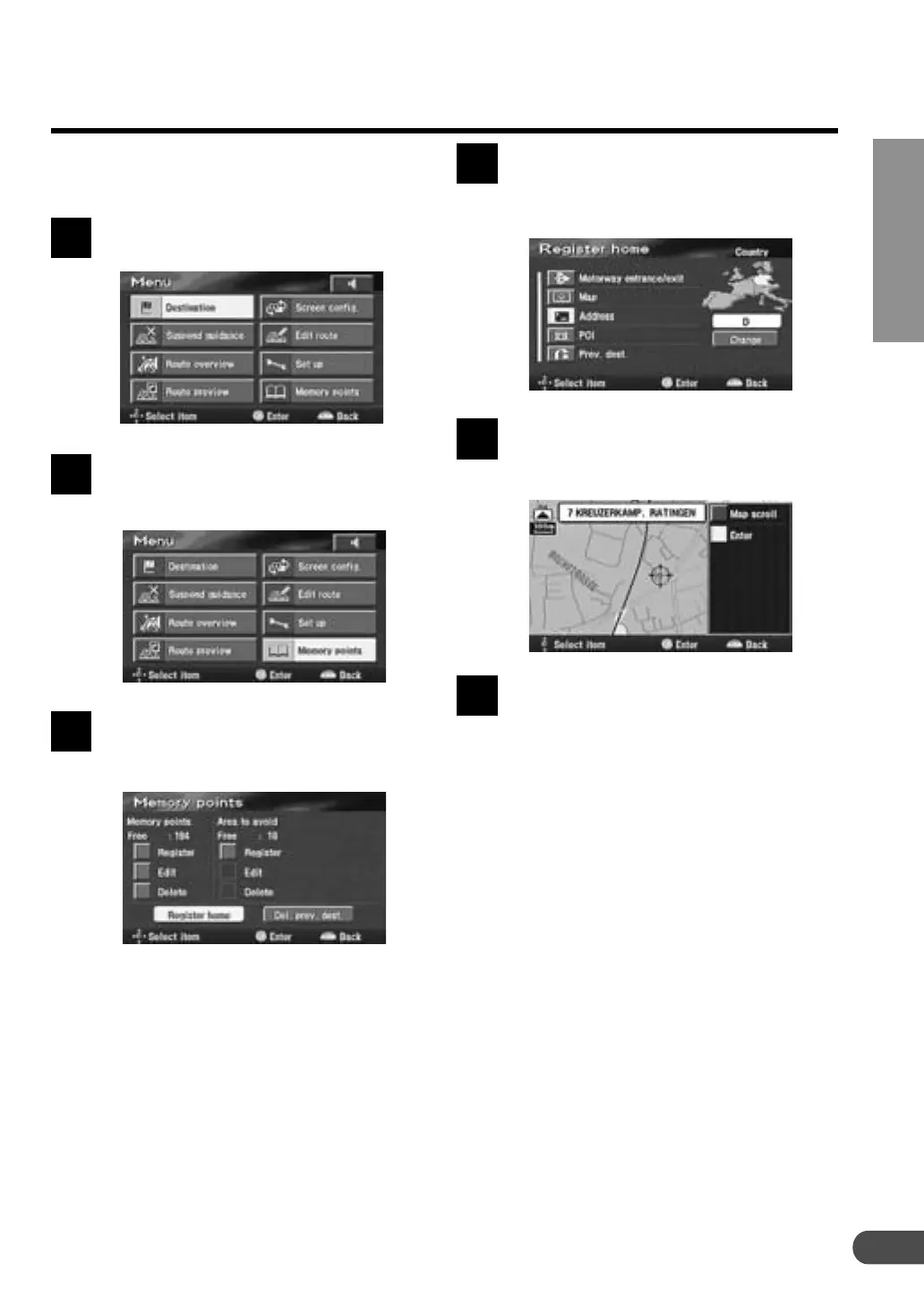
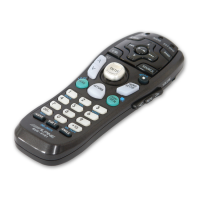
Press the MENU button to display
the main menu.
Select "Memory points" from the
main menu by tilting the joystick
and press ENTER.
The sub-menu appears. Select
"Register home" by tilting the
joystick and press ENTER.
Note:
You can register only one home. If your home
has already been registered, the system
shows "Delete home" menu. Select "Delete
home" and press ENTER to delete the
previously registered home (for details, see
page 38). Then, register new home.
1
2
3
To search for your home location,
select the searching method
described in the Searching for a
Destination section on page 18.
When the map showing the area of
your home is displayed, press
ENTER.
Press the "POS." button to return to
the current vehicle position map.
4
5
6


 To Next Page