33
EN
Setting the route options
Changing the conditions for
the route searching
You can change the conditions for the route
searching between the current vehicle position to
a destination or only a portion of the route.
Press the MENU button to display
the main menu. Select "Edit route"
from the main menu by tilting the
joystick and press ENTER.
The Edit route screen appears.
Select "Search condition" by tilting
the joystick and press ENTER.
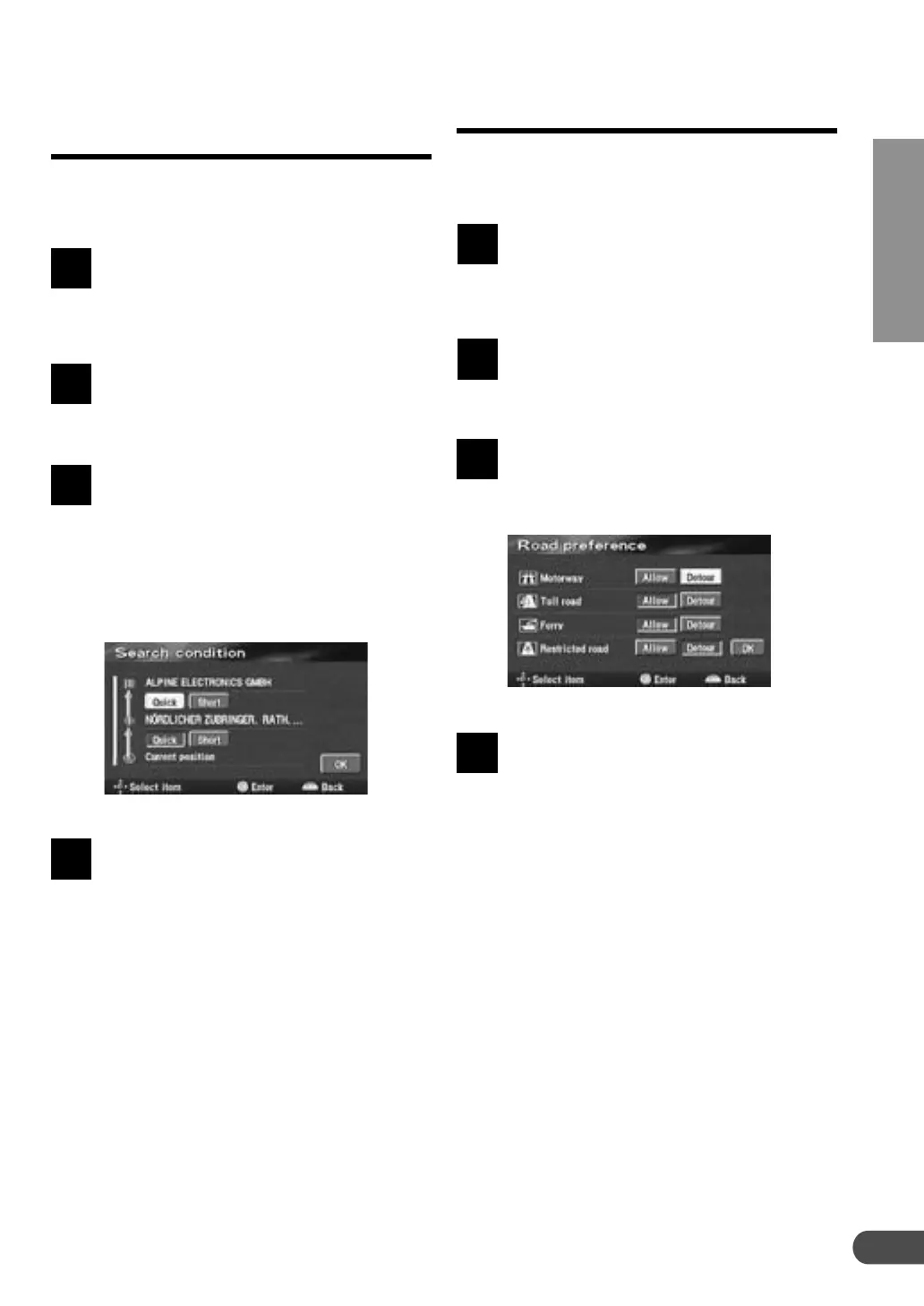
The search condition list screen
appears. Select the route between
the points to be edited and choose
the desired condition (Quick, Short,
etc.) by tilting the joystick and press
ENTER. You can specify the
searching condition for other
portions of the route as well.
When the searching conditions have
been specified, select "OK" by
tilting the joystick and press ENTER.
1
2
4
3
The navigation system can search for 4 different
types of routes: using motorway, toll road, ferry
and restricted road.
Press the MENU button to display
the main menu. Select "Edit route"
from the main menu by tilting the
joystick and press ENTER.
The Edit route menu appears. Select
"Road preference" by tilting the
joystick and press ENTER.
The Road preferrance menu
appears. Select "Allow" or "Detour"
for the item to be edited by tilting
the joystick and press ENTER.
When the editing for the route
option has been completed, select
"OK" by tilting the joystick and
press ENTER. The navigation
system starts the calculation of the
route.
1
4
2
3
4



 To Next Page