19
EN
The map screen showing the
selected area with the point setting
menu appears.
Note:
For details of the point setting menu, see
page 12.
6
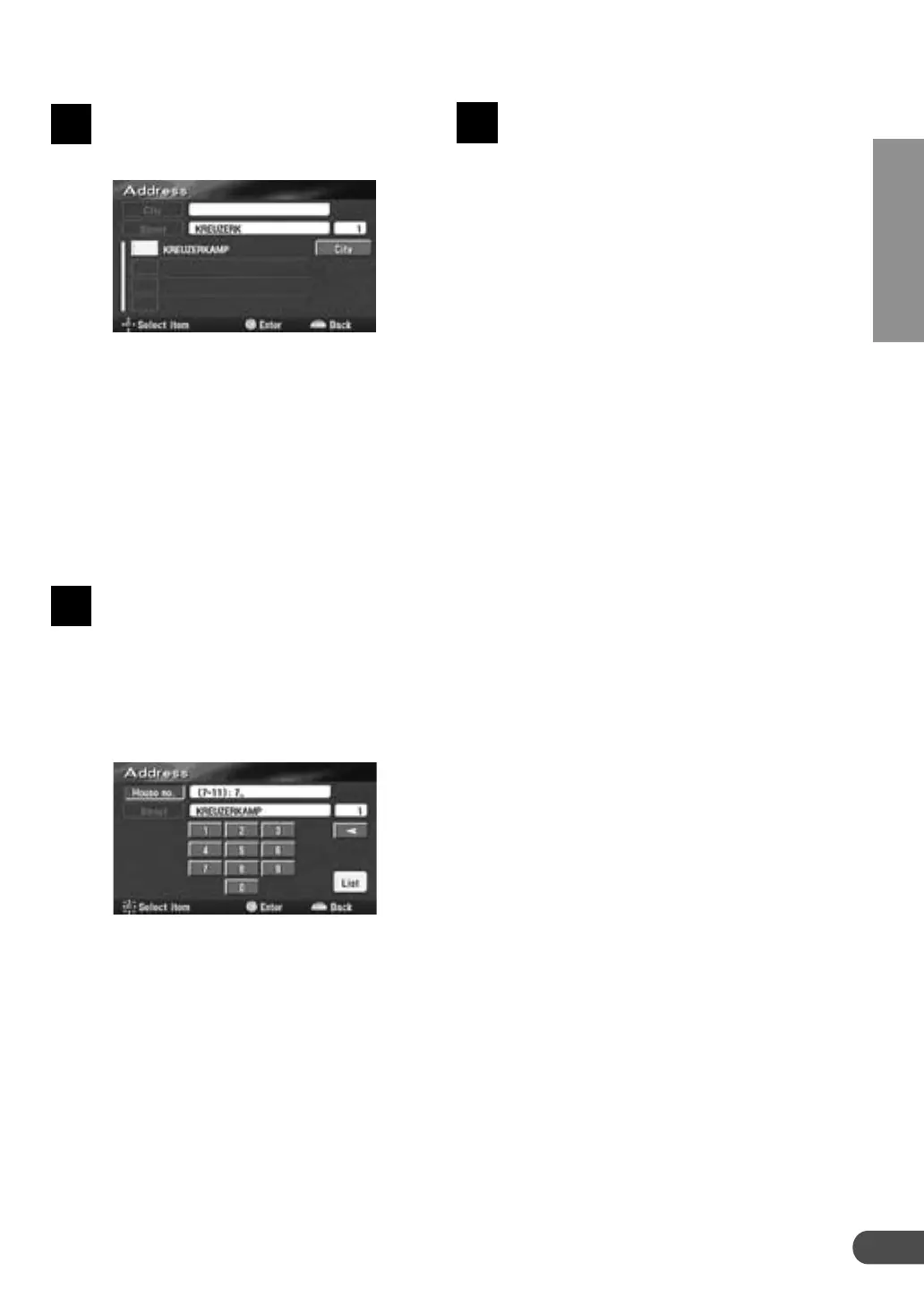
The list of street names will be
displayed. Select the desired street
name and press ENTER.
Notes:
• If there are other streets with the same
name in other cities when the desired street
name is searched for in "All cities" mode,
the list of the city names will be displayed.
Select the desired city name and press
ENTER.
• If there is no location with the input
spelling, locations with similar spelling are
displayed.
The house number input table
appears. Input the house number in
the same manner as for inputting
the street name (step 3 above).
When the house number inputtings
have been completed, select "List"
by tilting the joystick and press
ENTER.
Notes:
• Your desired destination can be searched for
more precisely by inputting the house number.
• If there is no house number or no data in the
disc, the system displays the map showing
the area of the input street name.
4
5



 To Next Page