20-EN
To prevent external noise from entering the audio system.
• Locate the unit and route the leads at least 10 cm away from the car harness.
• Keep the battery power leads as far away from other leads as possible.
• Connect the ground lead securely to a bare metal spot (remove any paint, dirt or grease if necessary) of the car chassis.
• If you add an optional noise suppressor, connect it as far away from the unit as possible. Your Alpine dealer carries various noise suppressors, contact
them for further information.
• Your Alpine dealer knows best about noise prevention measures so consult your dealer for further information.
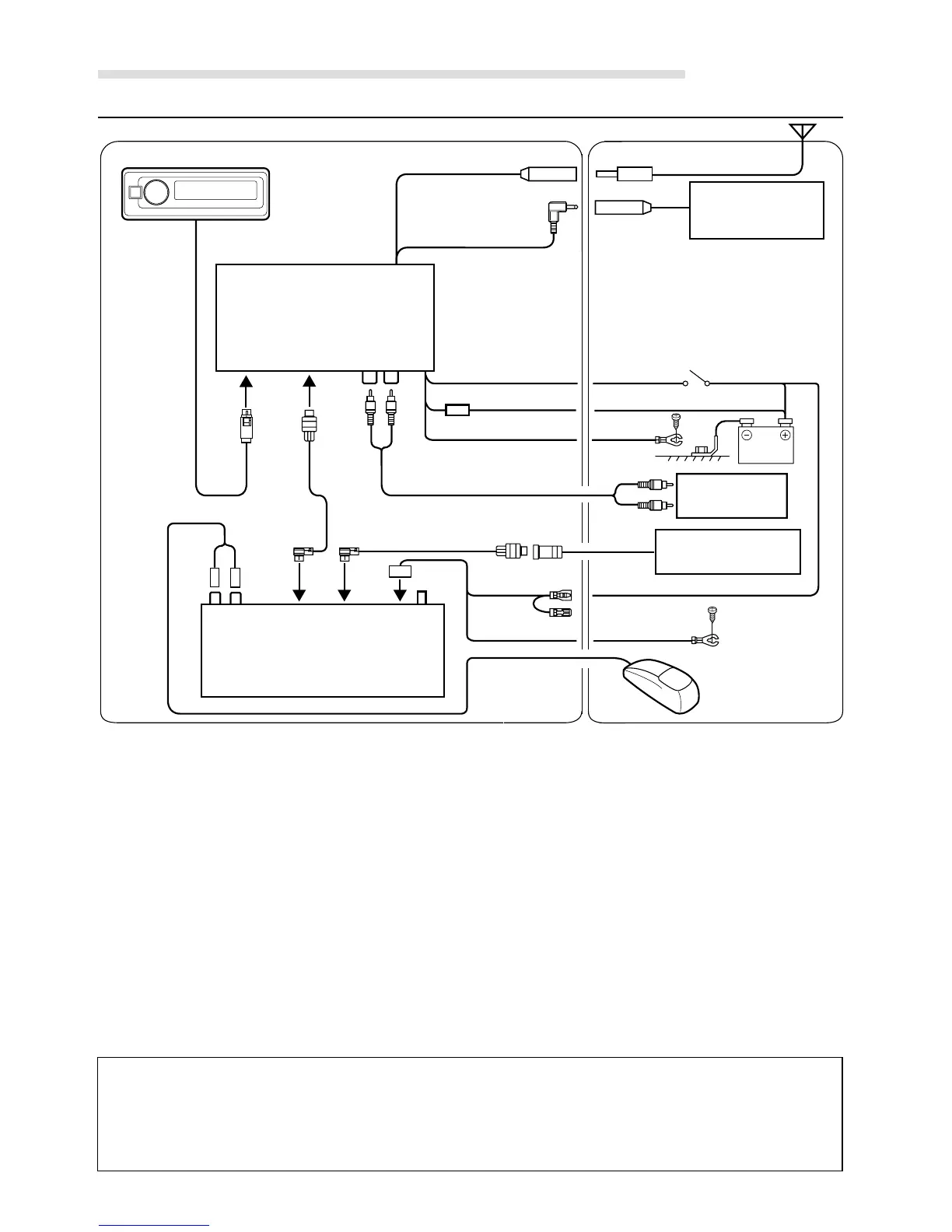
1 Antenna Receptacle
2 FM Modulator Antenna Cable
3 Head Unit's Antenna Receptacle
4 AUX Input Terminals
5 Ai-NET Connector
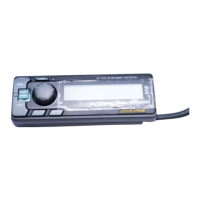
6 Remote Display Connector
7 Switched Power Lead (Ignition) (Red)
Connect this lead to an open terminal on the vehicle's fuse
box or another unused power source which provides (+)12V
only when the ignition is turned on or in the accessory
position.
8 Battery Lead (Yellow)
Connect this lead to the positive (+) post of the vehicle's
battery.
9 Fuse Holder (5A)
Installation and Connections
Connections
! Ground Lead (Black)
Connect this lead to a good chassis ground on the vehicle.
Make sure the connection is made to bare metal and is
securely fastened using the sheet metal screw provided.
" RCA Extension Cable (Sold Separately)
# Ai-NET Cable (Included)
$ Ai-NET (OUTPUT) Connector
% Ai-NET (INPUT) Connector
Connect this to the output or input connector of other
product (CD Changer, Versatile Link Terminal) equipped
with Ai-NET.
& Ai-NET Cable (Included with CD Changer)
( Fuse Holder (7.5A)
) Antenna (Sold Separately)
Ignition Key
Antenna
Battery
CD Changer
(Sold Separately)
VCR or GAME, etc.
(Sold Separately)
Factory Head
Unit, etc.
FM Modulator Box
Remote Display Unit
OUTPUT INPUT
(L-ch) (R-ch)
1
32
7
65 4
8
9
!
!
)
"
8
(
&
%$
#
XM Tuner Box
(Yellow) (Green)


 To Next Page