14
Range
Bluetooth wireless technology provides a way for devices to communicate with each other using short-
range radio frequency instead of wires. Any two Bluetooth devices can communicate as long as they both
have Bluetooth turned on, they are within range, and they have been paired.
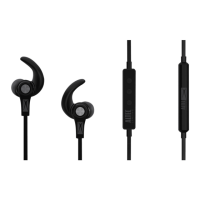
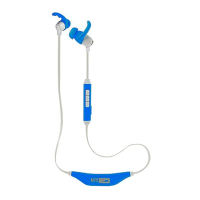
To maintain a connection, keep your headphones within 33 feet (10 meters) of your Bluetooth phone
or adaptor. Ensure that your mobile phone is located on the left side of your body and that there are no
obstructions between it and your headphones. If there are obstacles between your headphones and the
phone or adaptor you may experience interference.
Audio quality degrades as you move out of range. When you are far enough away to lose the connection,
you hear a high tone in the headphones.
The headphones attempt to reconnect for 30 seconds. If reconnection is successful, a low tone will be
heard. If you move back in range after 30 seconds have passed, you can manually reconnect by pressing
the call control button.



 To Next Page