16
Troubleshooting
Callers cannot hear me. Mute may be turned on. See page 9.
Your headphones are out of Bluetooth range (33 feet/10 meters). Move
closer to the Bluetooth device. If your headphones do not automatically
reconnect, see page 5.
Be sure your headphones are paired with the audio device. See page 5.
Play and Pause are out of sync
between my headphones and
my audio source.
Ensure that your headphones are in play mode, and then initiate play
mode from your audio source.
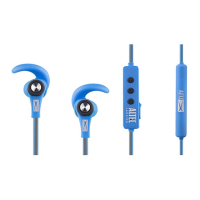
My earbuds need to be
cleaned.
Remove the earbuds from the headphones. Wash the earbuds
with warm soapy water, and rinse thoroughly. When the earbud are
completely dry, reattach them to your headphones. See page 7.
None of the above issues
are the problem, or my
headphones still don’t work.
Perform a system reset: While plugging in the AC charger, hold the
power/pair button. The headphones will show a solid red or blue light
when they have been successfully reset.



 To Next Page