EasyManua.ls Logo

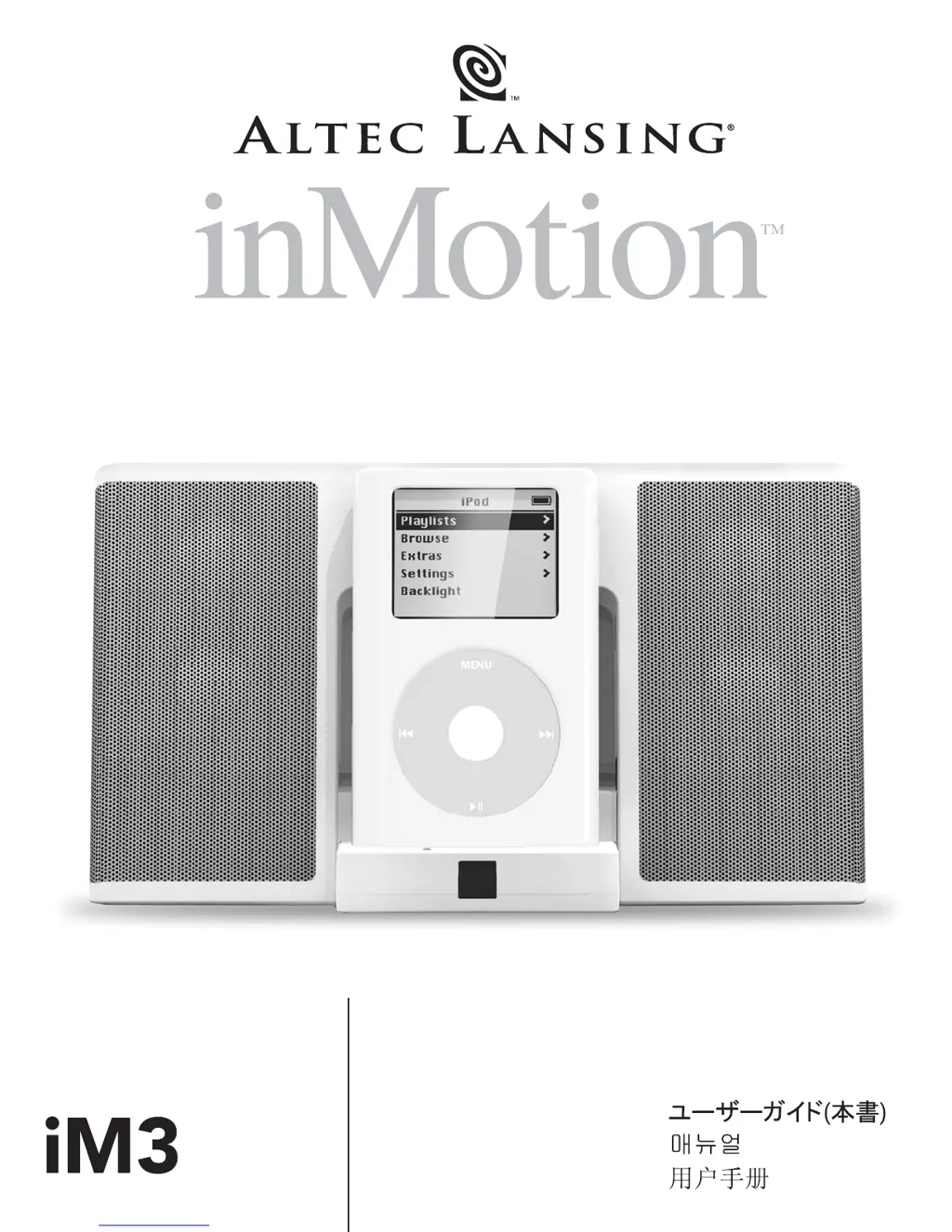
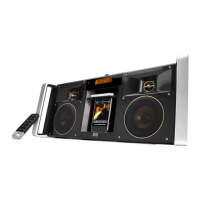
Altec Lansing inMotion iM3 - User Manual

Altec Lansing inMotion iM3
44 pages
Print Icon
To Next Page IconTo Next Page
Loading...
User's guide
Mode d'emploi
Guía del usuario
Guia do operador
Guida per l'utente
Gebrauchsanleitung
Buku Petunjuk

Other manuals for Altec Lansing inMotion iM3

Questions and Answers

  • S
    stephanie74Aug 15, 2025
    Why is there no sound coming from my Altec Lansing Docking Speakers?
    • D
      Danielle WilliamsAug 15, 2025
      There might be several reasons for the lack of sound. First, ensure the power is on and the universal power supply cord is properly connected to both the wall outlet and the power supply jack. Also, the volume might be set too low, so try increasing it using the '+' button. Check that your iPod is correctly seated in the docking station, or if you're using a 3.5mm stereo cable, verify it's securely connected to both the audio source and the correct output, such as 'line-out,' 'audio-out,' or the headphone jack. Finally, the problem might be with the audio source itself, so test the speakers with another audio source.
  • J
    Jenny LeeAug 18, 2025
    How to fix Altec Lansing inMotion iM3 Docking Speakers when the power LED is not lit in AC Operation?
    • R
      Richard MillerAug 18, 2025
      If the power LED isn't lit during AC operation, check these potential causes: Ensure the universal power supply cord is properly connected to a functioning wall outlet and plugged into the power supply jack on the back of the system. If you're using a surge protector, make sure it's switched on. Test the wall outlet with another device to confirm it's working. Also, verify that the power switch is in the 'On' position and the stand-by button is pressed (the LED should turn green).
  • Q
    qhowellAug 21, 2025
    What to do if the Altec Lansing inMotion iM3 remote control is not working?
    • G
      gonzalespatrickAug 21, 2025
      If the remote control isn't working, the batteries might be low; try replacing them. Also, ensure that you are pointing the remote control directly at the IR window on the system and are within 15 feet of the unit.
  • D
    danielmillsAug 25, 2025
    Why is the sound distorted on my Altec Lansing inMotion iM3?
    • C
      crystalbarrettAug 25, 2025
      Sound distortion can occur if the volume level on the system is too high; try decreasing it using the '-' button. Also, the distortion may be due to the sound source being of poor quality. Try a different audio source, such as a music CD, to see if the issue persists. Some file types like WAV and .MID are often of poor quality.
  • P
    Patricia GoodmanAug 27, 2025
    How to stop crackling sounds from Altec Lansing Docking Speakers?
    • T
      Thomas DorseyAug 27, 2025
      A crackling sound from the speakers can often be attributed to a bad connection. Check the connection if your iPod is in the docking station. If you're using a 3.5mm stereo cable, ensure it's properly connected to the 'line-out,' 'audio-out,' or the headphone jack on your sound card or audio source, and not the 'speaker-out.' If the problem persists, the issue might be with your audio source. Try unplugging the 3.5mm stereo cable from your current audio source and plugging it into the headphone jack of an alternate source, such as a Walkman, Discman, or FM radio.
  • C
    Crystal GallegosAug 30, 2025
    Why won't the power LED light up on my Altec Lansing inMotion iM3 Docking Speakers when using batteries?
    • O
      Olivia YoungAug 30, 2025
      If the power LED doesn't light up when using battery operation, first ensure that (4) AA batteries are correctly installed into the battery compartments located on the bottom of the system, following the illustration inside the battery compartments. Also, verify that the power switch is in the 'On' position and press the stand-by button (LED will turn green).
  • B
    Brandi WrightSep 2, 2025
    What causes distorted sound from Altec Lansing Docking Speakers when connected to a PC or laptop?
    • R
      royrodriguezSep 2, 2025
      If the sound is distorted when connected to a PC or laptop, the volume level in the operating system might be set too high. Check the operating system volume level and decrease it if necessary.
  • C
    Christopher MarshallSep 5, 2025
    Why do my Altec Lansing inMotion iM3 make a crackling sound when connected to my PC or laptop?
    • C
      craigharperSep 5, 2025
      If you're hearing a crackling sound when the speakers are connected to your PC or laptop, it could be due to the volume level in your operating system being set too high. Try checking the operating system volume level and decreasing it if necessary.
  • P
    Patricia JonesSep 8, 2025
    Why is the power LED on my Altec Lansing inMotion iM3 Docking Speakers turning amber?
    • H
      Heather AndersonSep 9, 2025
      If the power LED is turning amber, it indicates that the batteries are low. You should replace the batteries.
  • D
    Dylan RamirezSep 12, 2025
    How to reduce radio interference on Altec Lansing inMotion iM3?
    • V
      Vincent MarquezSep 12, 2025
      If you're experiencing radio interference, it might be because you're too close to a radio tower. Try moving your speakers to see if the interference goes away.

Summary

FCC Compliance Information

Regulatory Compliance Statements

Provides FCC and Canadian ICES-003 compliance details for the digital device.

Safety Instructions

General Safety Precautions

Covers critical safety instructions for operation, maintenance, and user responsibilities.

Electrical Safety and Warnings

Alerts users about electric shock risks, fire risks, and proper usage near moisture.

Setting Up Your inMotion iM3

Package Contents and System Placement

Lists included items and provides guidance on positioning the audio system.

Making Connections and Powering On

Step-by-step guide for connecting the iPod, power supply, and turning the unit on.

Basic Operation and Volume Control

Explains how to start, stop, power off, and adjust volume using the unit or remote.

Wireless Remote Control Functions

Details how to use the remote for power, volume, and iPod playback control.

System Specifications and Troubleshooting

Technical Specifications Overview

Details power output, driver specifications, frequency response, and signal-to-noise ratio.

Troubleshooting Power and LED Issues

Solutions for when the power LED is off, amber, or the unit won't turn on.

Troubleshooting Audio Output Problems

Addresses issues like no sound, low volume, incorrect connections, or iPod seating.

Troubleshooting Sound Quality and Remote Issues

Guides for resolving distorted sound, crackling, interference, and remote control malfunctions.

Altec Lansing inMotion iM3 Specifications

General IconGeneral
Audio OutputStereo
Speaker Type2-Way
Battery LifeUp to 24 hours
Power SourceAC adapter, Battery
CompatibilityiPod
Weight340 g
TypeDocking Speaker
Frequency Response80Hz - 20kHz

Related product manuals