EasyManua.ls Logo

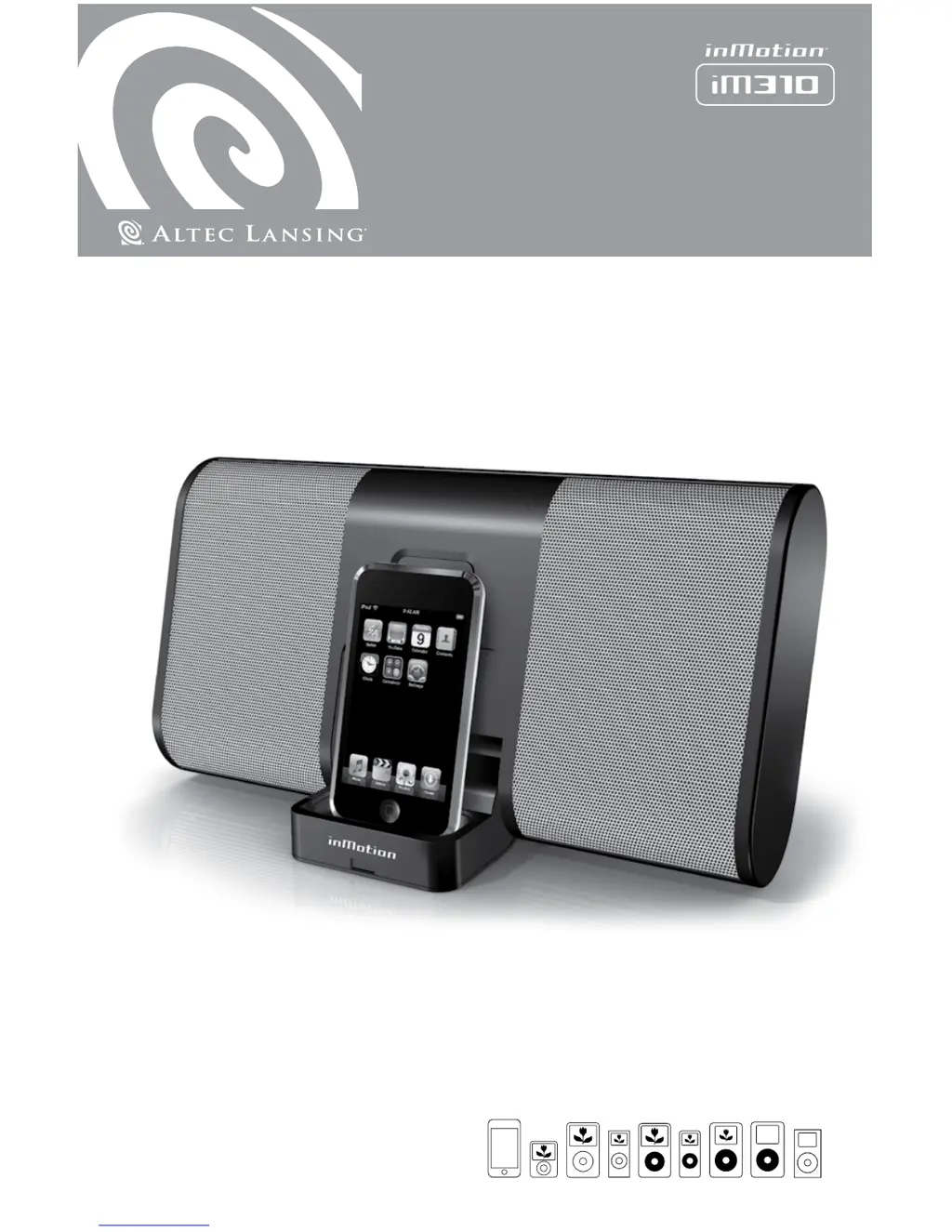
Altec Lansing inMotion IM310 - User Manual

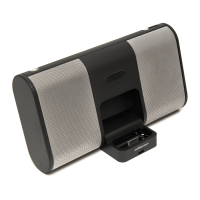
Altec Lansing inMotion IM310
10 pages
Print Icon
To Next Page IconTo Next Page
Loading...
User’s guide

Other manuals for Altec Lansing inMotion IM310

Questions and Answers

  • J
    Jessica BaileyAug 12, 2025
    Why is there no sound coming from my Altec Lansing inMotion IM310 Docking Speakers?
    • R
      Russell BennettAug 12, 2025
      If there is no sound, the volume might be set too low. Also, ensure your iPod is correctly seated in the docking station; try turning it off, removing it, reseating it, and turning it back on. If you're using an alternate audio source, verify that it's properly connected to the inMotion iM310 and that the audio source itself is working correctly.
  • J
    Jennifer AllenAug 16, 2025
    What to do if my Altec Lansing inMotion IM310 have no power indicator light on AC?
    • R
      Robert TorresAug 16, 2025
      First, ensure the iM310 is properly connected to a functioning wall outlet. If you're using a surge protector, make sure it's switched on. Try plugging another device into the outlet to confirm it's working. Finally, ensure that the power is turned on.
  • K
    Kevin VillarrealAug 19, 2025
    How to fix crackling sound from Altec Lansing inMotion IM310?
    • B
      Brittany WarrenAug 20, 2025
      A crackling sound could be due to the iPod not being correctly seated in the docking station. Try turning off the iPod, removing it, reseating it, and turning it on again. If you're using an alternate audio source, make sure it's properly connected to the inMotion iM310 and that the audio source is working.
  • S
    Steven ThompsonAug 23, 2025
    How to fix distorted sound on Altec Lansing Docking Speakers?
    • D
      dennisbullockAug 23, 2025
      Distorted sound may occur if the inMotion iM310’s volume level is set too high. Try lowering the volume.
  • M
    Max HickmanAug 27, 2025
    What to do if my Altec Lansing Docking Speakers have no power indicator light on battery?
    • T
      Travis TannerAug 28, 2025
      If the power indicator light is off during battery operation, the batteries may not be installed properly. Also, make sure that the power is turned on.
  • J
    justinmaddoxAug 31, 2025
    Why is there radio interference with my Altec Lansing Docking Speakers?
    • D
      Derrick KaufmanAug 31, 2025
      Radio interference might be happening because the unit is too close to a radio tower. Try moving the unit to see if the interference goes away.
  • C
    Christopher CarterSep 3, 2025
    How to stop crackling sound when Altec Lansing inMotion IM310 Docking Speakers are connected to PC?
    • C
      cynthia11Sep 4, 2025
      If you hear a crackling sound when connected to a PC or laptop, the operating system’s volume level may be set too high. Check the operating system volume level and decrease it if necessary.
  • O
    omcmahonSep 7, 2025
    Why is there intermittent buzzing with my Altec Lansing inMotion IM310 Docking Speakers?
    • D
      Dr. Lisa WilsonSep 7, 2025
      Intermittent buzzing might be caused by the unit being located too close to a GSM cell phone. Move the GSM cell phone away from the unit.

Summary

Important Safety Instructions

General Safety Precautions

Read, follow, and heed all safety instructions and warnings for proper product operation and user safety.

Warranty and Support Information

Product Warranty Coverage and Claims

Details warranty coverage, period, exclusions, and procedures for obtaining service or repairs.

Customer Service and Contact Details

Information on accessing support, FAQs, contact numbers, and international distributor locations.

Environmental Disposal

Guidance on the proper recycling and disposal of electronic equipment.

iM310 Setup and Operation

Box Contents and Compatibility

Lists all included items and compatible iPod models for the iM310 speaker system.

Positioning and Docking Your iPod

Instructions on placing the speaker system and connecting your iPod for audio playback.

Powering the Device

Details on using AC adapter or batteries to power the inMotion iM310.

Starting Audio Playback

Steps to turn on the system and iPod to begin playing audio.

Advanced Features and Volume

Power Off and Standby Mode

Instructions for turning off the unit and understanding its auto shut-down feature.

Connecting External Audio Devices

How to connect other devices like MP3 players or laptops using the auxiliary input.

Adjusting Speaker Volume

Guide on using the volume slider for master volume control of the speaker system.

Troubleshooting: Power and Sound Issues

No Power or Indicator Light

Troubleshooting steps for when the power indicator light is not on during AC or battery operation.

No Sound from Speakers

Solutions for issues where no audio is coming from the speakers, including iPod seating and volume.

Crackling Sound from Speakers

Resolving crackling sounds from the speakers, whether from iPod connection or alternate audio sources.

Troubleshooting: Audio Quality and Interference

Crackling Sound (PC;Laptop)

Troubleshooting crackling audio when connected to a PC or laptop due to volume settings.

Distorted Audio Playback

Addressing distorted audio playback by adjusting speaker or source volume levels.

Radio and Cell Phone Interference

Solutions for radio interference by repositioning the unit away from towers or cell phones.

Altec Lansing inMotion IM310 Specifications

General IconGeneral
DC-in jackYes
Product colorBlack
Dimensions (WxDxH)290 x 62 x 155 mm
Compatible productsiPod
Battery typeAA
Battery life (max)48 h
Number of batteries supported3
Weight and Dimensions IconWeight and Dimensions
Weight1070 g

Related product manuals