EasyManua.ls Logo

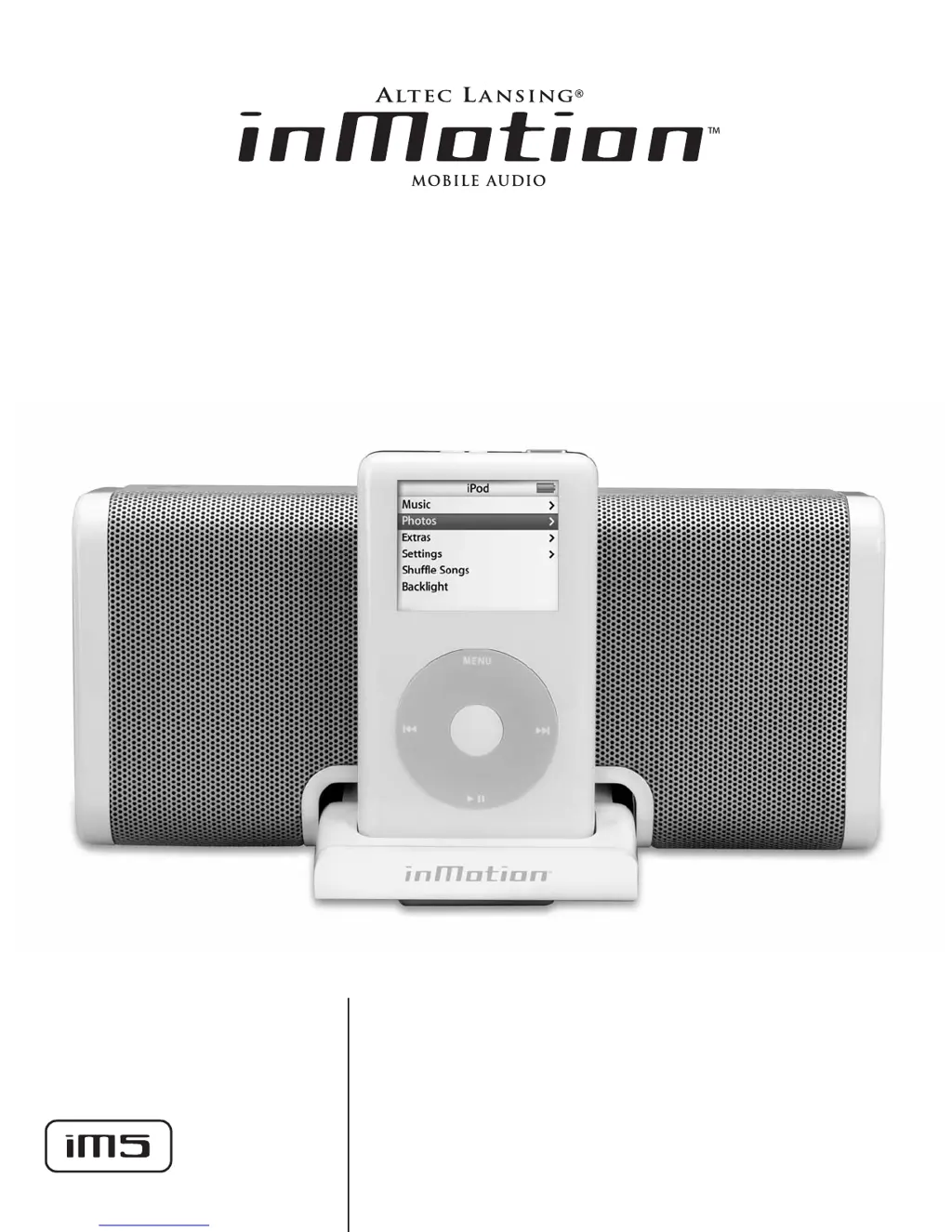
Altec Lansing inMotion IM5 - User Manual

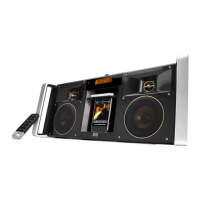
Altec Lansing inMotion IM5
10 pages
Print Icon
To Next Page IconTo Next Page
Loading...
User’s guide
Guía del usuario

Other manuals for Altec Lansing inMotion IM5

Questions and Answers

  • T
    Timothy BanksAug 7, 2025
    Why is there no sound coming from my Altec Lansing inMotion IM5?
    • J
      James CollinsAug 7, 2025
      If no sound is coming from your Altec Lansing Docking Speakers, there might be a few reasons. First, check that the volume isn't too low by using the '+' button on the top of the unit to increase it. Also, ensure your iPod is correctly seated in the docking station. If you're using another audio source, make sure it's properly connected to the 'AUX' input on the back of the unit.
  • H
    Heather BaldwinAug 11, 2025
    What to do if no power LED is lit on my Altec Lansing inMotion IM5 (AC Operation)?
    • M
      Melanie SweeneyAug 11, 2025
      If the power LED isn't lit during AC operation, ensure the universal power supply cord is correctly connected to both a functioning wall outlet and the power supply jack on the back of the unit. If you're using a surge protector, verify that it's switched on. Test the wall outlet with another device to confirm it's working. Finally, make sure the power is turned on by pressing the power button on top of the unit; a blue LED should light up.
  • O
    olarsonAug 15, 2025
    How to fix distorted sound on Altec Lansing inMotion IM5 Docking Speakers?
    • Q
      qhenryAug 15, 2025
      If the sound from your Altec Lansing Docking Speakers is distorted, it might be because the volume is set too high. Use the '–' button on the top of the unit to decrease the volume.
  • J
    Joseph ElliottAug 20, 2025
    What to do if my Altec Lansing Docking Speakers have radio interference?
    • R
      Rachel FrancoAug 20, 2025
      If you're experiencing radio interference with your Altec Lansing Docking Speakers, the unit might be too close to a radio tower. Try moving the unit to see if the interference disappears.
  • R
    Rachael GonzalezAug 25, 2025
    What to do if no power LED is lit on my Altec Lansing inMotion IM5 Docking Speakers (Battery Operation)?
    • A
      Audrey BradyAug 25, 2025
      If the power LED isn't lit during battery operation, make sure that four AA batteries are correctly installed in the battery compartments on the bottom of the unit, following the diagram inside the compartments. Also, ensure the power is turned on by pushing the power button on the top of the unit.
  • C
    Cynthia OwenAug 28, 2025
    Why are my Altec Lansing inMotion IM5 Docking Speakers buzzing intermittently?
    • C
      Christine RandallAug 29, 2025
      Intermittent buzzing from your Altec Lansing Docking Speakers may occur if the unit is too close to a GSM cell phone. Move the cell phone away from the unit.
  • E
    Elizabeth SmithSep 2, 2025
    How to stop crackling sound from Altec Lansing inMotion IM5 Docking Speakers when connected to PC?
    • V
      victoriabarkerSep 2, 2025
      If you hear a crackling sound from your Altec Lansing Docking Speakers when connected to a PC or laptop, the operating system’s volume level might be set too high. Check the volume level in your operating system and lower it if needed.

Altec Lansing inMotion IM5 Specifications

General IconGeneral
BrandAltec Lansing
ModelinMotion IM5
CategoryDocking Speakers
LanguageEnglish

Related product manuals