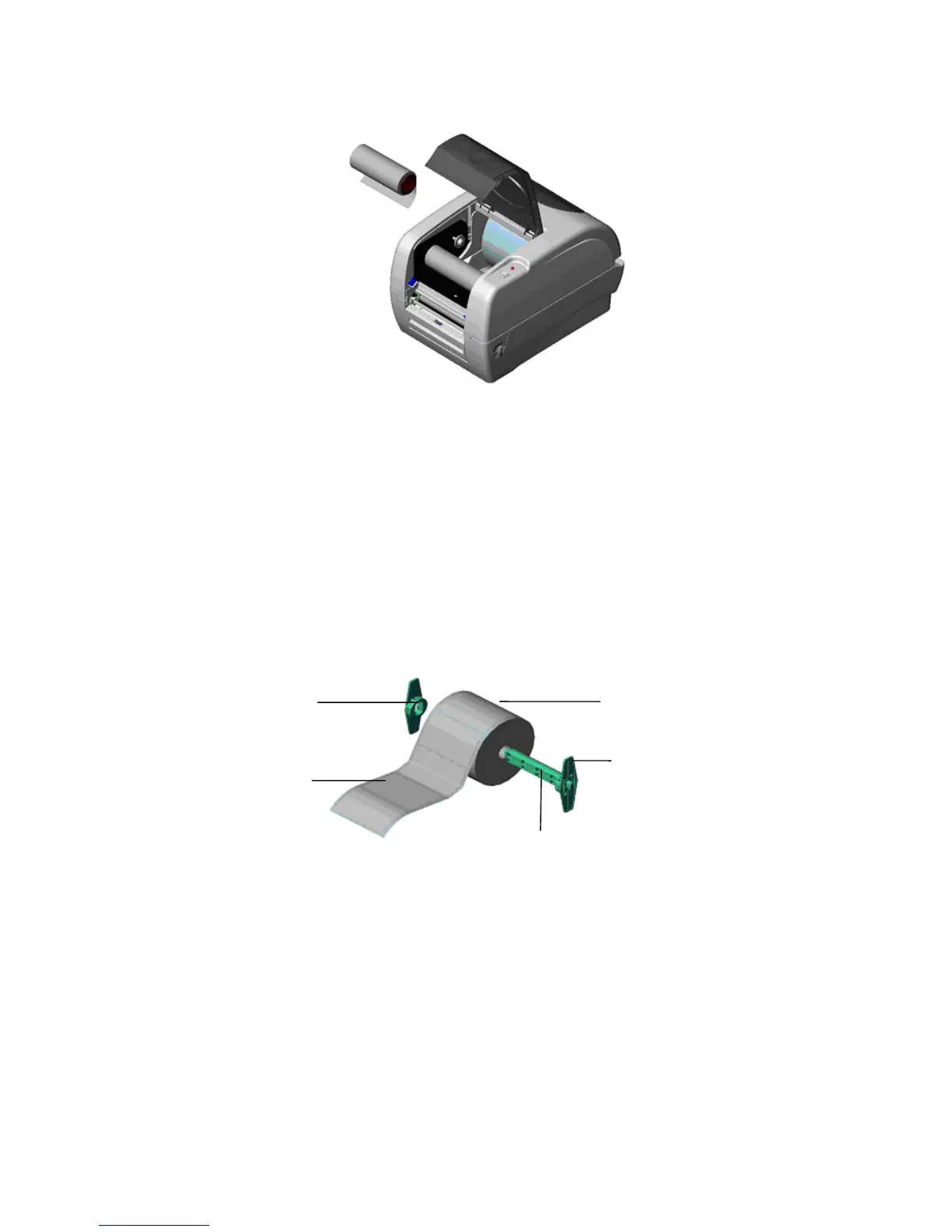
Fig. 5 Ribbon installation (II)
3.3 Loading Label Stock
1. Insert a 1” label spindle into a paper roll ( * If your paper core is 1 inch, remove the
1.5” core adapter from the fixed tab. If label width is 4 inch wide, two fixing tabs are
not required. ).
Fig. 6 Label roll installation (I)
2. Open the printer’s top cover by releasing the green top cover open levers located on
each side of the printer and lifting the top cover. A top cover support at the rear of the
printer will hold the printer top cover open.



 To Next Page