116
NO
DK
FI
SE
FR
GB
GB
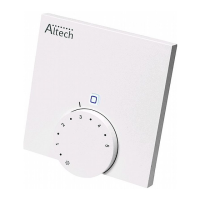
• Manual and automatic operation: Press the setting wheel for 3 seconds in order
to change between manual and automatic operating mode. In automatic oper-
ation, the heating profile set with the IP app is active. In manual operation, the
temperature can be set at the device or using the app, and remains until the
next manual change is made.
• Boost function for the use with heating thermostats: Press the setting wheel
shortly in order to activate the boost function for quick, short-time heating. The
boost function will be active for 5 minutes.
On connection the IP app, the Altech IP IP Access Point offers many con-
figuration options, as e. g.
• Adaptation of the boost duration (up to 30 minutes)
• Activation or deactivation of the operating lock.
8 Displays
8.1 Status indications
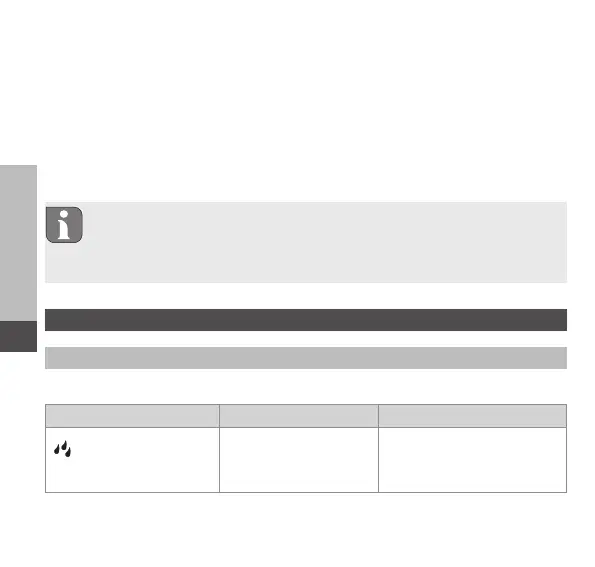
Display Meaning Solution
flashes Humidity limit
(standard: 60 %) in the
room exceeded
Ventilate room



 To Next Page