118
NO
DK
FI
SE
FR
GB
GB
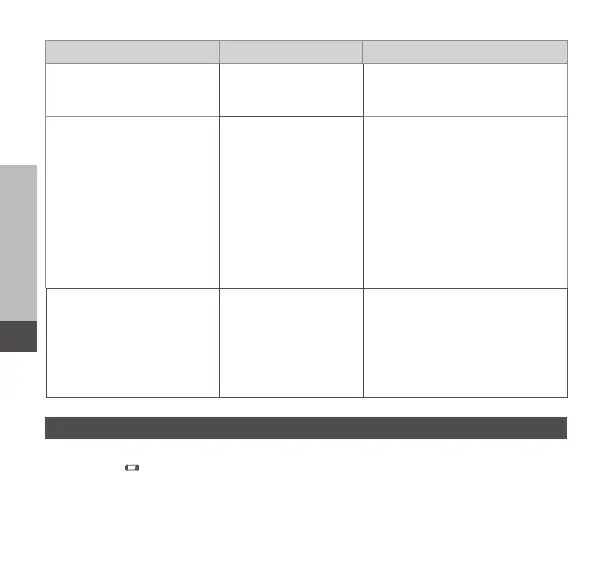
Display Meaning Solution
Short illumination in
orange (after reception
signal)
Batteries dead
• Change the batteries.
Long illumination in red Transmission error,
transmission limit
reached (duty cycle)
• Re-send the command, in
case of exceeding the duty
cycle after one hour at the
latest.
• Check the device for a
defect, e. g. mechanical
blocking.
• Eliminate radio interfer-
ence.
6 x long illumination in
red
Device defective
• Observe the indication in
the app.
• Have the device checked
by a specialised dealer.
• Replace the device.
9 Changing the batteries
The symbol in the display and in the IP app indicates low battery voltage. Re-
placing the batteries:
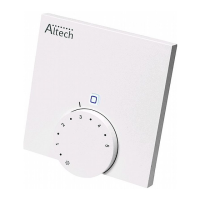
1. Take off the device from the installation bottom (see page 5, fig. 4).



 To Next Page