DE1-SOC COMPUTER SYSTEM WITH NIOS II For Quartus II 15.0
Pressing Next again opens the window in Figure 41. Here the user selects the type of program that will be used,
such as Assembly language, or C. Then, the check box shown in the figure can be used to display the list of sample
programs for the DE1-SoC Computer that are described in this document. When a sample program is selected in
this list, its source files, and other settings, can be copied into the project folder in subsequent screens of the Monitor
Program.
Figure 42 gives the final screen that is used to create a new project in the Monitor Program. This screen shows the
default addresses of compiler and linker sections that will be used for the assembly language or C program associ-
ated with the Monitor Program project. In the figure, the drop-down menu called Linker Section Presets has been set
to Exceptions. With this setting the Monitor Program uses compiler and linker sections for the Nios II processor
reset and exceptions code, and another section for the main program, called .text.
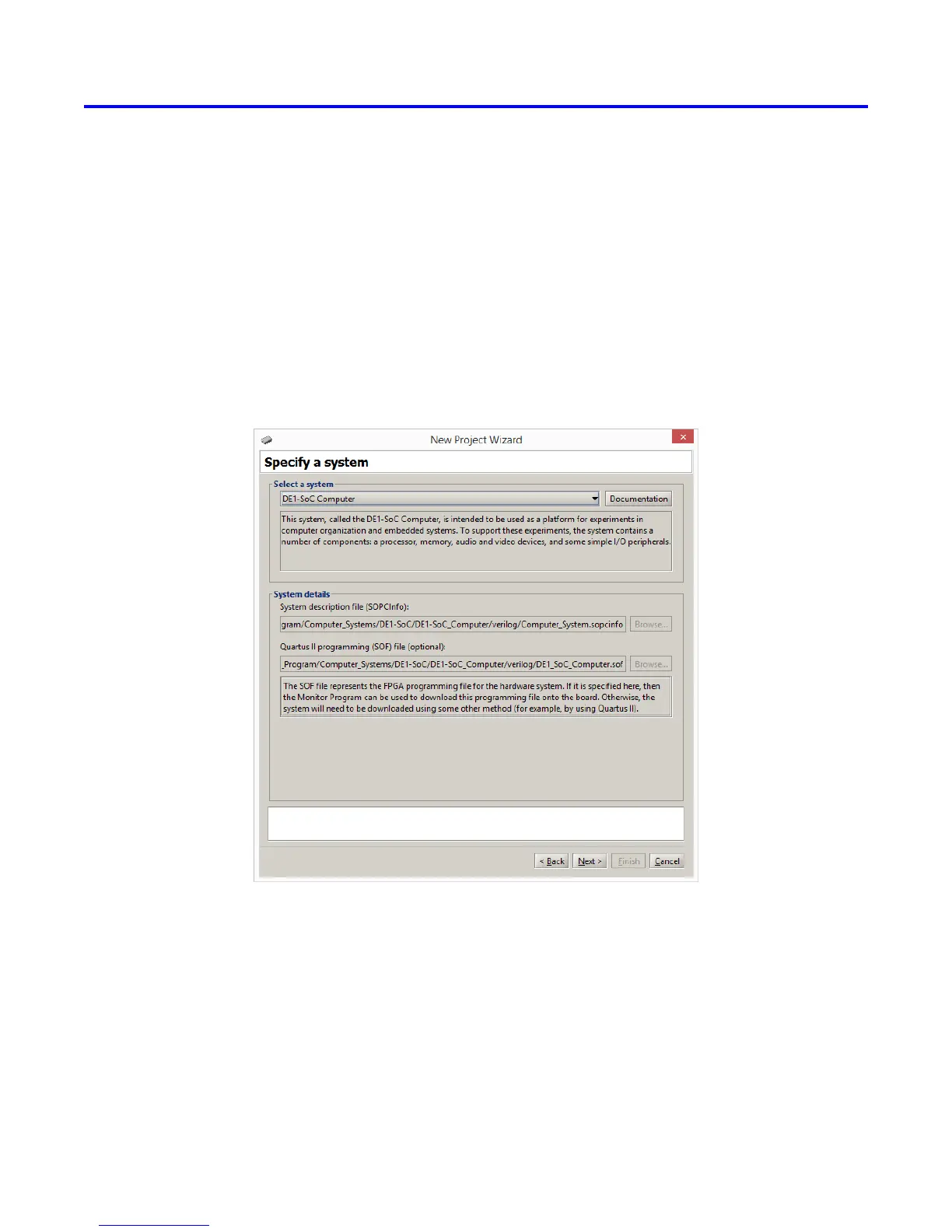
Figure 40. Specifying the DE1-SoC Computer system.
Copyright ©2015 Altera Corporation.
44 Altera Corporation - University Program
2015



 To Next Page