DE1-SOC COMPUTER SYSTEM WITH NIOS II For Quartus II 15.0
D
0
D
1
D
2
D
3
D
4
D
5
D
6
D
7
Unused
D
10
D
11
D
12
D
13
D
14
D
15
D
16
D
17
D
18
D
19
D
22
D
23
D
24
D
25
D
26
D
27
D
28
D
29
D
30
D
31
Unused
JP1 JP2
Pin 1 Pin 1
Pin 40 Pin 40
D
8
D
9
D
20
D
21
D
0
D
1
D
2
D
3
D
4
D
5
D
6
D
7
Unused
D
10
D
11
D
12
D
13
D
14
D
15
D
16
D
17
D
18
D
19
D
22
D
23
D
24
D
25
D
26
D
27
D
28
D
29
D
30
D
31
Unused
D
8
D
9
D
20
D
21
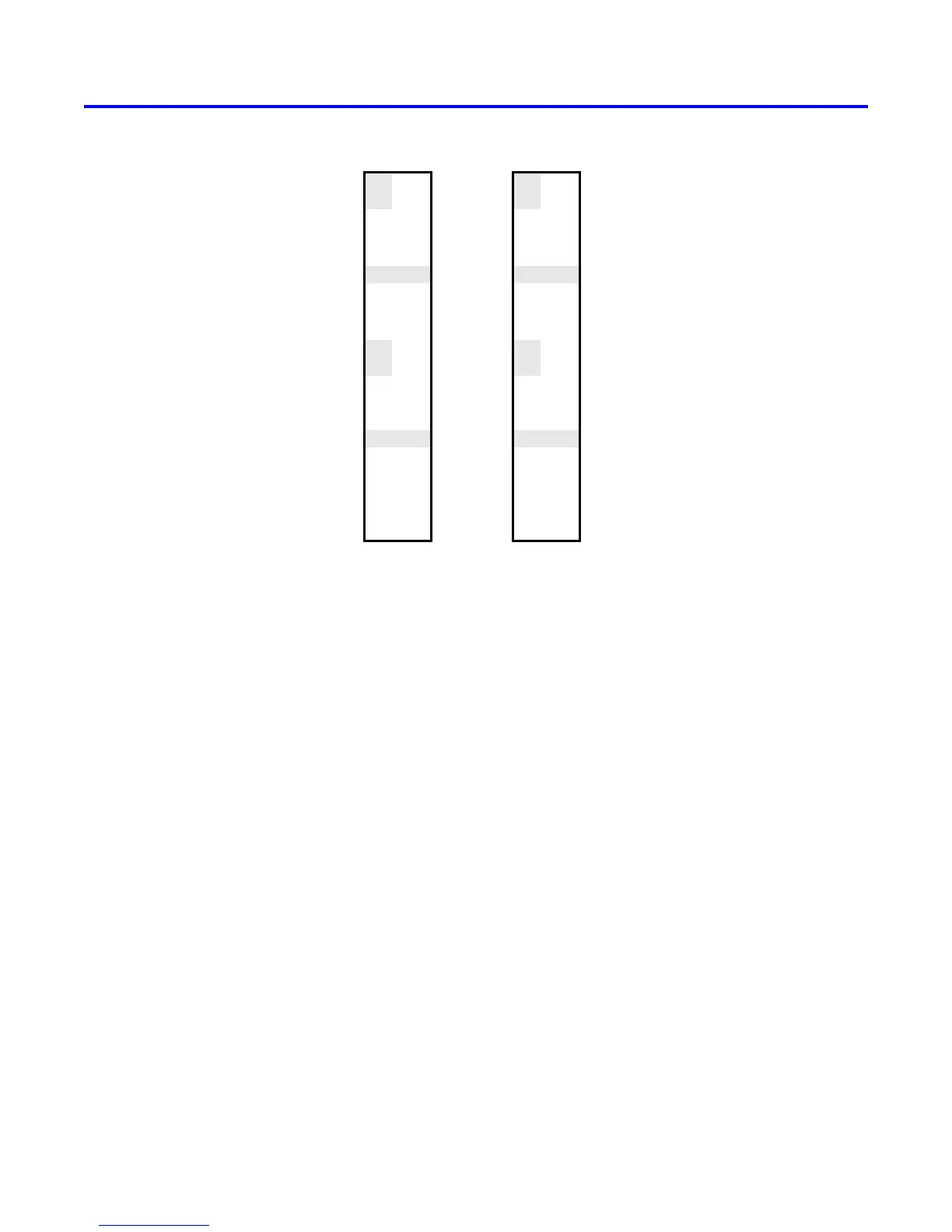
Figure 7. Assignment of parallel port bits to pins on JP1 and JP2.
2.4.6 Using the Parallel Ports with Assembly Language Code and C Code
The DE1-SoC Computer provides a convenient platform for experimenting with Nios II assembly language code, or
C code. A simple example of such code is provided in Figures 8 and 9. Both programs perform the same operations,
and illustrate the use of parallel ports by using either assembly language or C code.
The code in the figures displays the values of the SW switches on the red lights LEDR. It also displays a rotating
pattern on 7-segment displays HEX3, .. ., HEX0. This pattern is rotated to the left by using a Nios II rotate instruction,
and a delay loop is used to make the shifting slow enough to observe. The pattern on the HEX displays can be
changed to the values of the SW switches by pressing any of pushbuttons KEY
3−0
. When a pushbutton key is
pressed, the program waits in a loop until the key is released.
The source code files shown in Figures 8 and 9 are distributed as part of the Altera Monitor Program. The files can
be found under the heading sample programs, and are identified by the name Getting Started.
6 Altera Corporation - University Program
2015



 To Next Page