Altera Corporation Development Kit Version 1.1.0 2–15
July 2005 MAX II Development Kit Getting Started User Guide
Getting Started
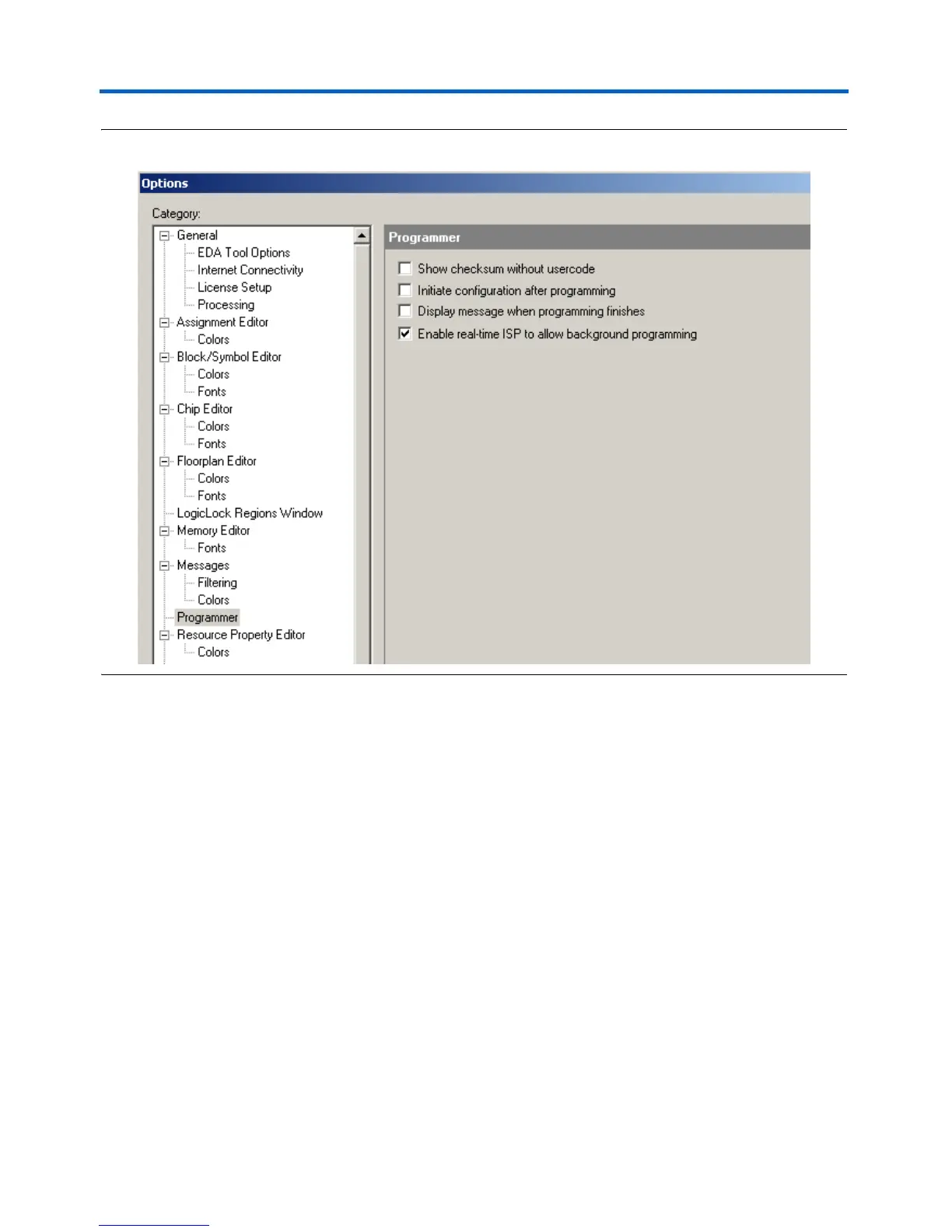
Figure 2–5. Programmer Options Dialog Box
6. Program the MAX II device with the VendingMachineDemo.pof
file.
7. Observe the Functional Test design still functioning as in step 2.
8. Press S5, which interrupts the V
CCINT
(core voltage) power supply
and forces the MAX II device to reconfigure.
9. Observe the Vending Machine Demo functioning as described
below.
1 Pressing S5 again results in the MAX II device reconfiguring
itself with the Vending Machine Demo. The Functional Test
design is now gone and would have to be reloaded into the CFM
via the Quartus II programmer in order to be loaded into the
MAX II device again.



 To Next Page