Altera Corporation Development Kit Version 1.1.0 2–29
July 2005 MAX II Development Kit Getting Started User Guide
Getting Started
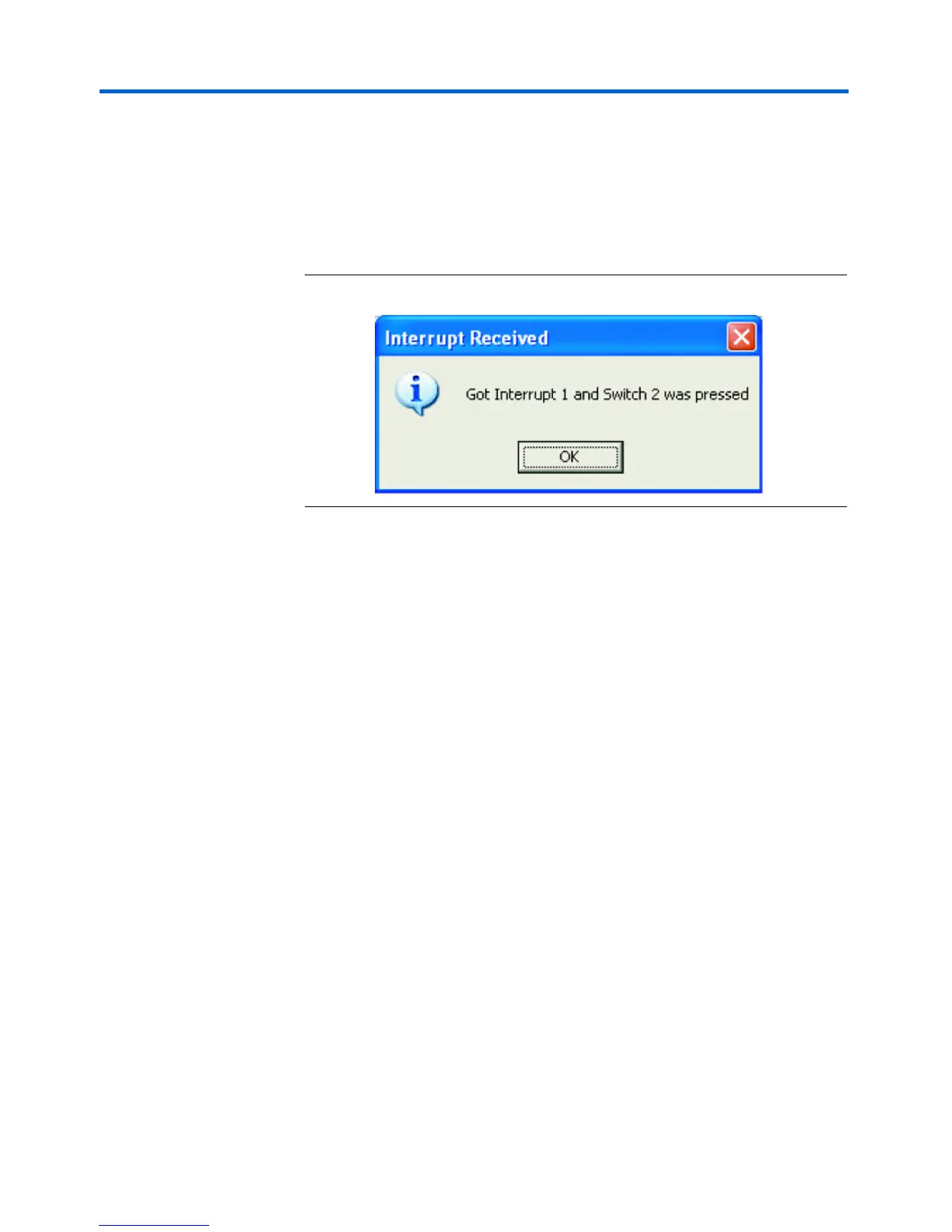
11. Push one of the four user-defined push switches on the board to
generate an interrupt. The application reads the corresponding
register to figure out which switch was pushed and clears the
interrupt. A dialog box appears when an interrupt is received (see
Figure 2–10). If multiple switches are pushed at the same time,
multiple dialog boxes appear.
Figure 2–10. Interrupt Received Dialog Box



 To Next Page