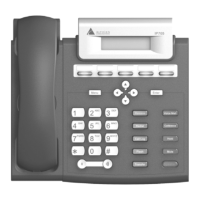
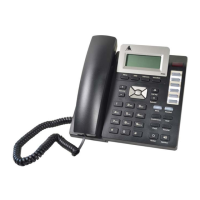
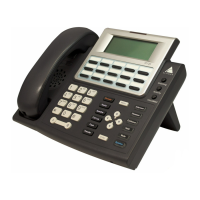
4 IP 710 Manual
2 Message
Waiting
Indicator
Light*
Blinks when a message is waiting or a call is coming
in.
3 Program-
mable Keys*
1-15
15 programmable keys can be configured by the
system administrator in AltiWare Administrator as a
Busy Lamp Field (BLF) key, an AltiServ Feature
Code key, an Admin Defined # key, a Line Park
key, a Call Record key, a Workgroup Status key,
or a User Defined # key.
4 Greeting* Greeting access button.
5 Activity* Activity code access button.
6 VoiceMail* Voice mail access button.
7 Intercom* Incoming voice path through speaker, indicated by
the button’s blinking light.
8 Headset Hook switch for headset device.
9 Conference* Initiates a conference call, indicated by the button’s
blinking light.
10 Hold* Places a call on hold, indicated by the button’s
blinking light.
11 Mute Engages or disengages mute function.
12 Speaker Enables speaker.
13 Menu Displays the phone’s menu.
14 Navigation
buttons
/buttons let you scroll through text on the LCD
screen.
button selects a menu item or setting.
button returns to previous configuration menu or
deletes the last digit input.
15 Enter Confirms selections made in the LCD, including
settings.



 To Next Page