2. Basic Skills
This chapter guides you through the process of using your device and familiarizes
you with the basic operations such as using the stylus pen and navigation pad..
2.1 Turning On and Off Your Device
Use the power button on the front of your device to turn on and off your
device.
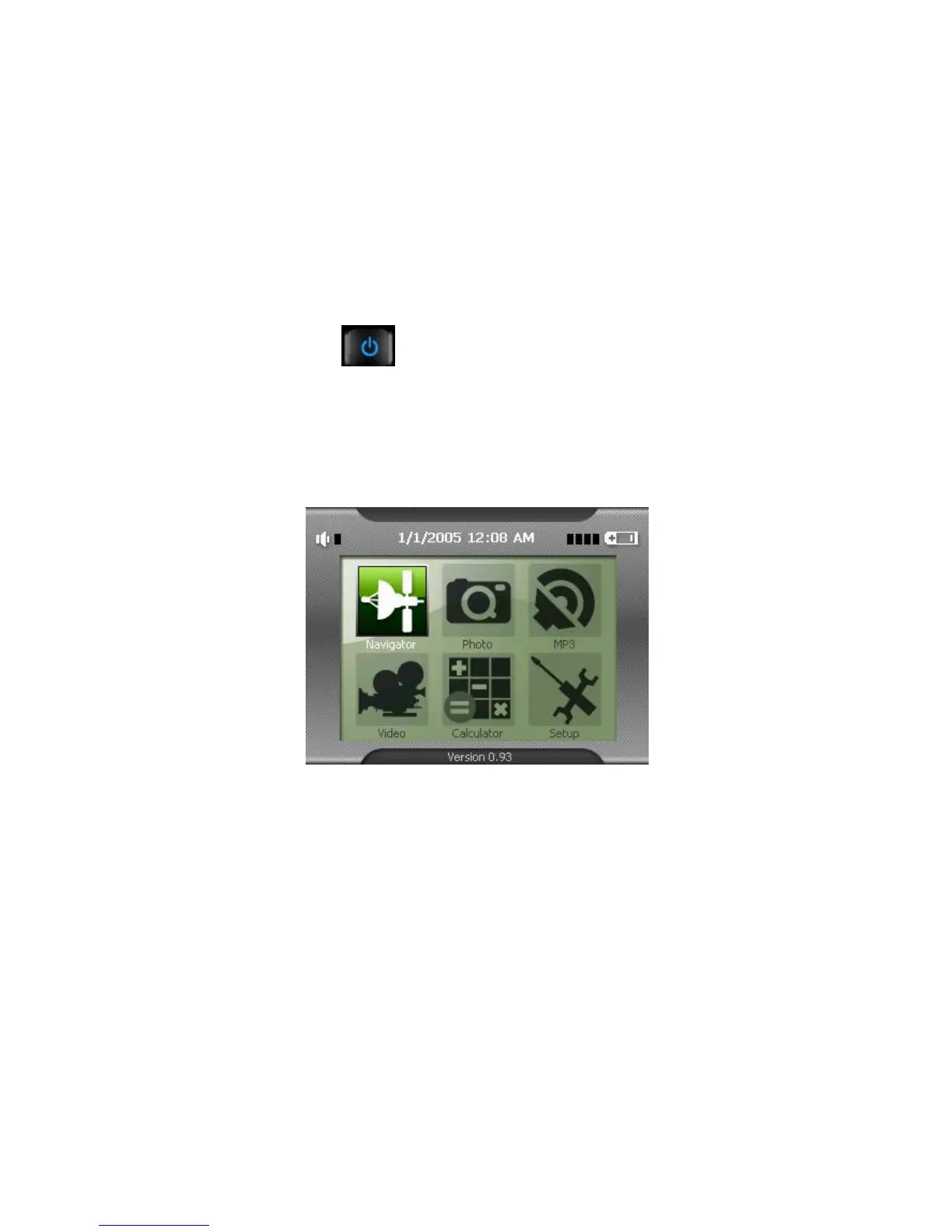
When you turn on the device for the first time, the Main screen appears as shown
below. There are six buttons on the Main screen: Navigation, Photo, MP3, Video,
Calculator and Setup. Each button represents a function or feature. To use a
function, just tap the corresponding button. (For more information, refer to the
following chapters.)
When you press the power button to turn off the unit, your device actually enters a
suspend state and the system stops operating. Once you turn on the system
again, it resumes.
2.2 Operating Your Device
To operate your device, use the hardware buttons and/or the stylus pen.
Using Hardware Buttons



 To Next Page