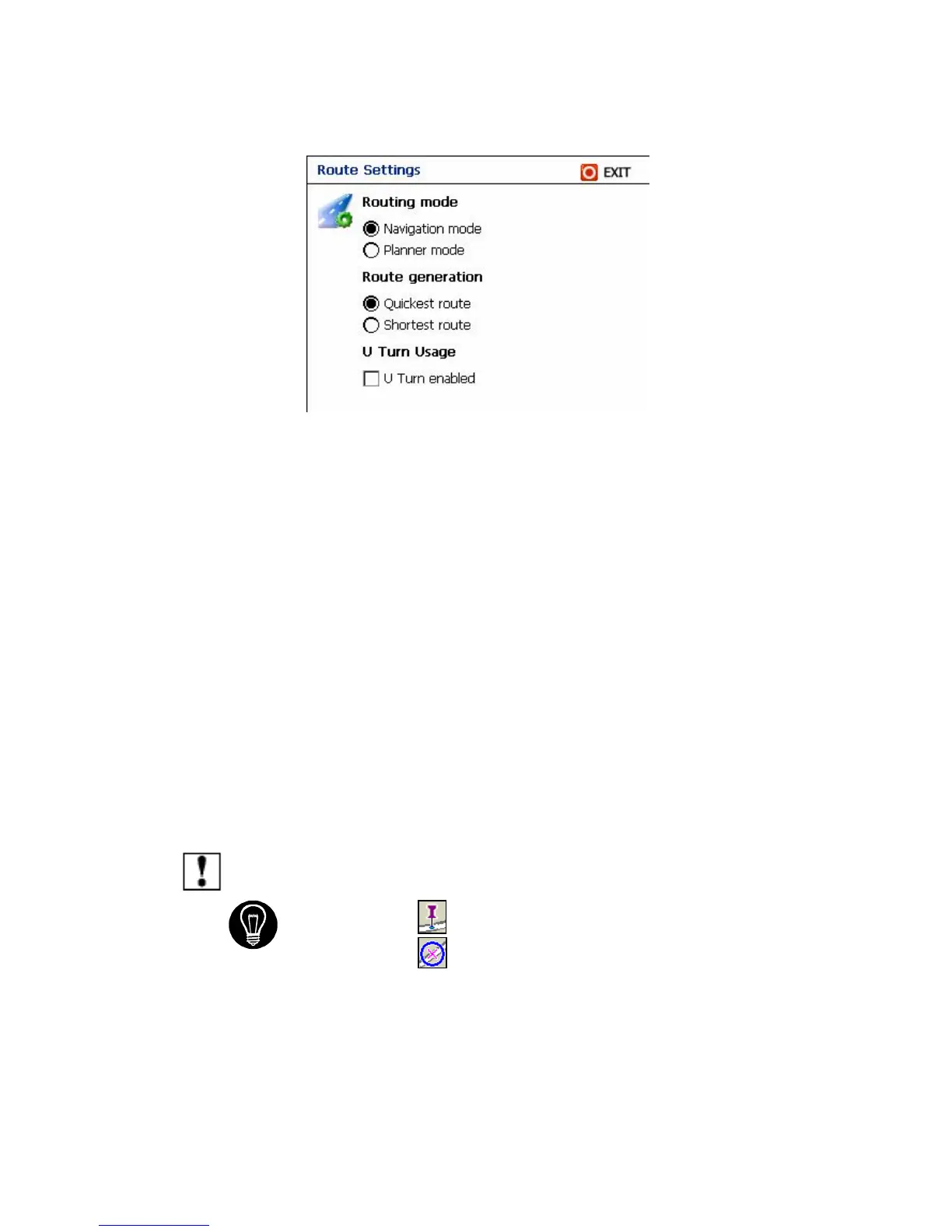
Routing Mode
1. Navigation mode – Normal driving – Set as default view.
2. Planner Mode – display, planned routes, but does not show your progress,
as you travel.
Route generation
1. Quickest route – Destinator calculates the route by picking the shortest
distance and highest speed limits.
2. Shortest route – Destinator calculates the route by picking the shortest
distance.
U Turn Usage
1. U Turn enabled - If you select this option, the route will be calculated by
including any U Turns that are needed. If you clear this option, the route will
be calculated without any U Turns. (This feature is included because some
drivers prefer not to make U Turns.)
Note: Route generation excludes any detours, stops or delays along the
route.
If you see this icon Origin - you know that you are in Planner mode.
If you see this icon Origin - you know that you are in Navigation mode.
5.5 Alert Settings
Contains warning and alerts, which if selected, can enhance your Destinator
3
experience.



 To Next Page