functions and features listed will not work or be available
The various options, preferences and setting are all available from these menu
and sub-menus. Each setting has a check box which when selected enables
that particular function or feature.
Defaults
Destinator initially has certain defaults set when it is installed. However, why
leave them as is? Configure Destinator to your personal likes and tastes.
The following sections will describe how to do this.
Maps
Click the MAPS to switch Map
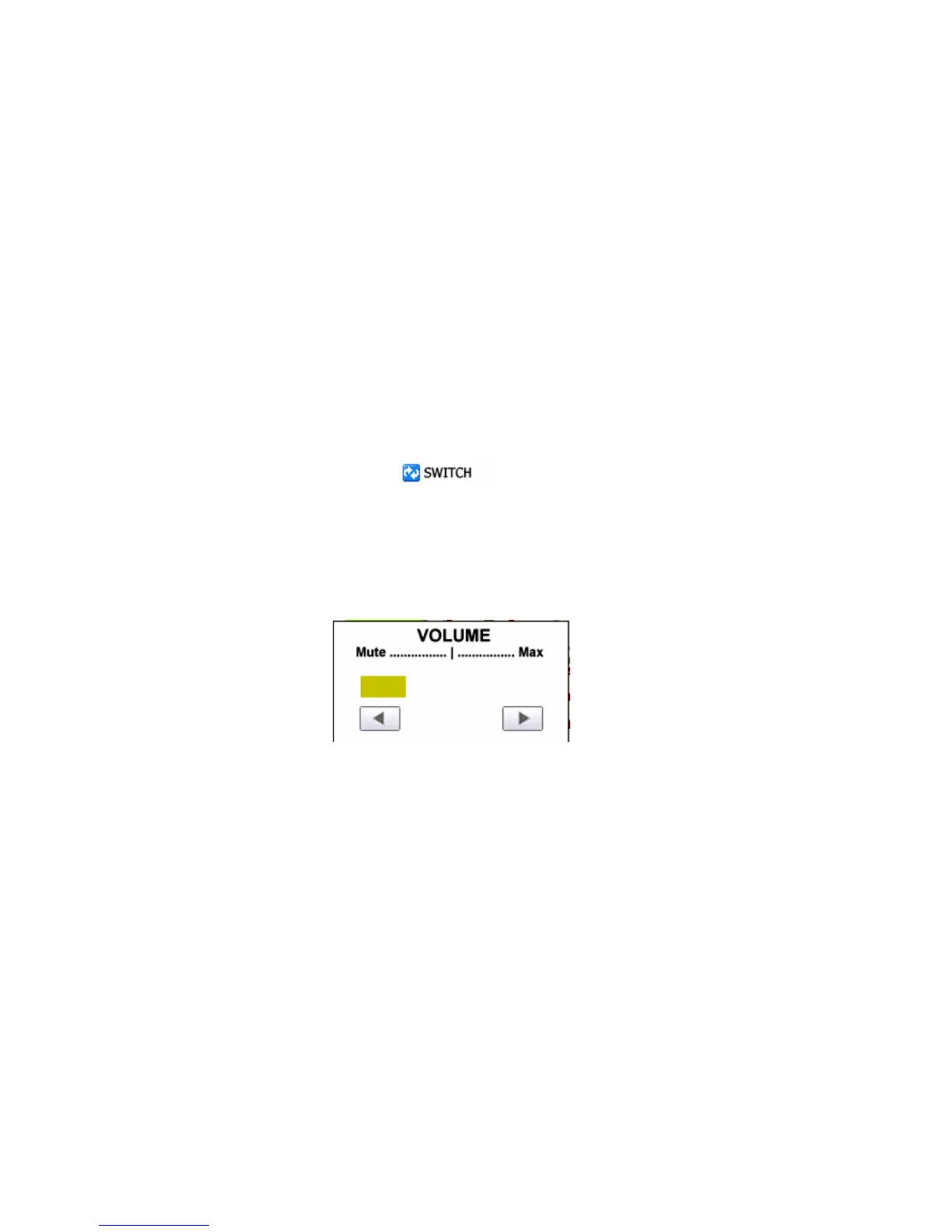
Volume
Select Volume from Setting to Left Arrow to Mute,
Right Arrow for the Max volume
5.3 Map Settings



 To Next Page