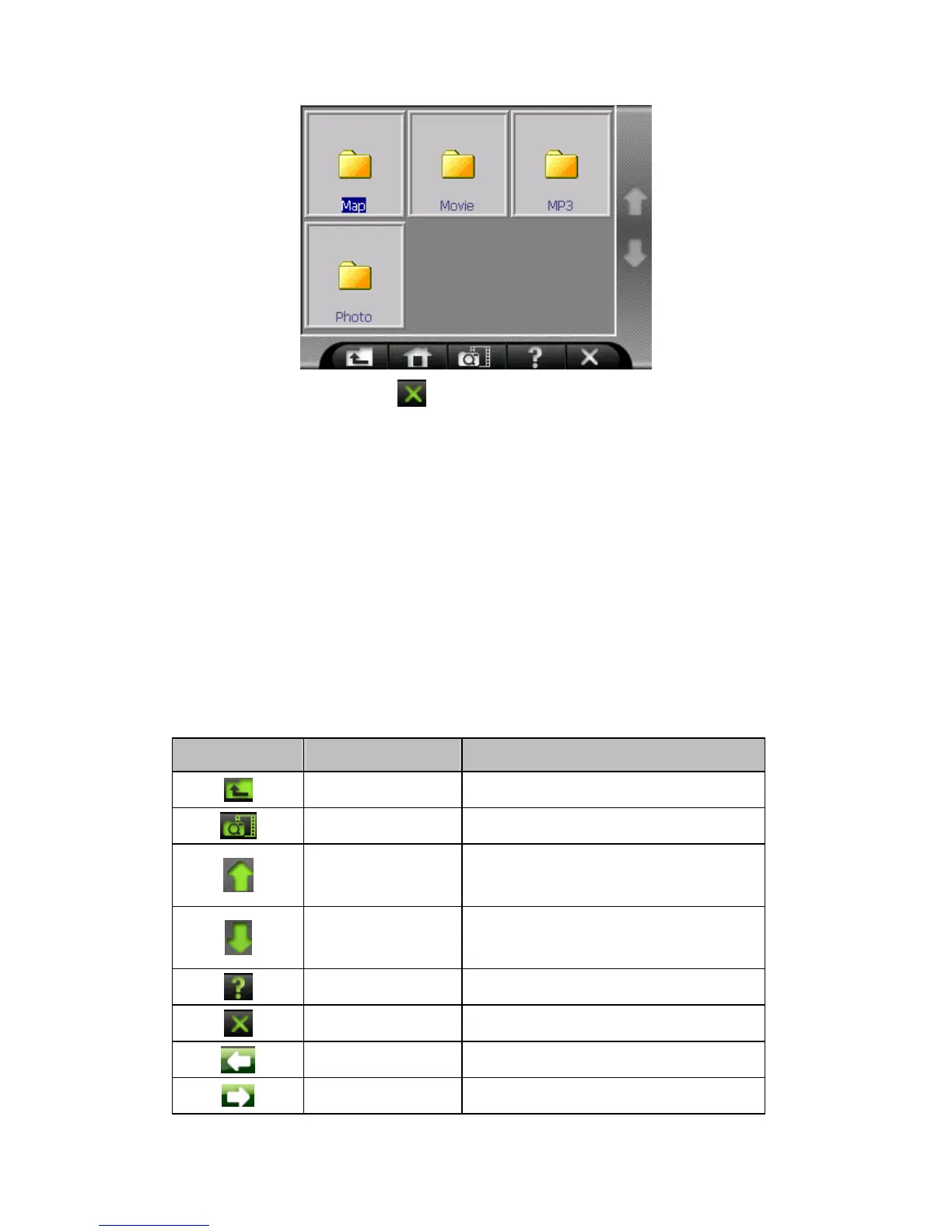
To exit the program, just tap in the lower right of the screen.
9.3 Preparing Photo Files for Your Device
With the card reader, you can easily copy Photo files from your computer to a
storage card. The Photo Player can detect Photo files in all folders of a storage
card.
9.4 Photo Playback Control
You can control the Photo Player via control buttons. See the table below for
details:
控制鈕 名稱 說明
Back Back to previous layer
Play Play slide show
Previous Back to previous page
Next Forward to next page
Info Check version
Exit Exit the program
previous Play the previous file
next Play the next file



 To Next Page