3. After you have made changes, press the mark button to save the changes
and exit the screen.
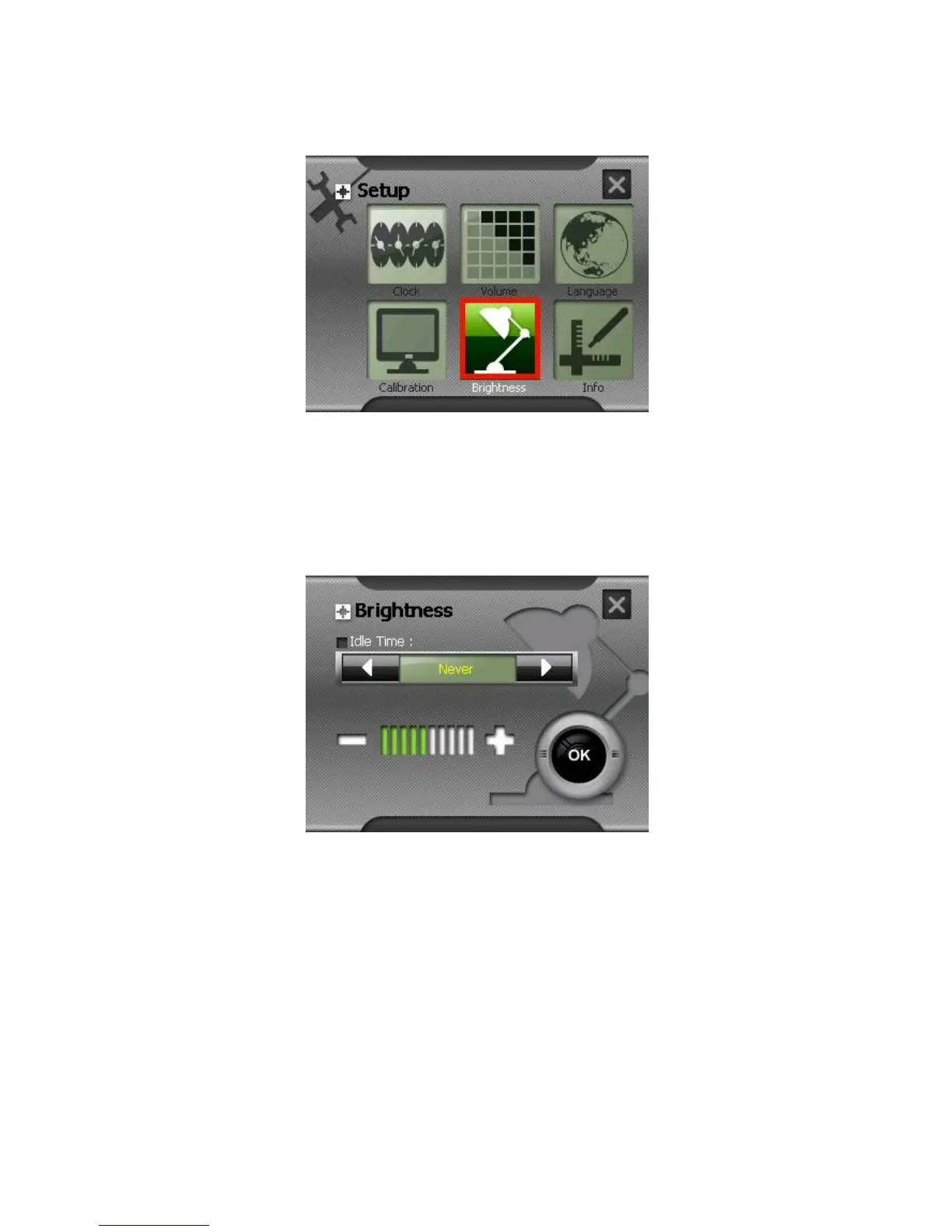
Adjusting the Brightness
Tap the bulb button to adjust.
※To darken the screen, tap the left bulb button.
※To lighten the screen, tap the right bulb button.
Setting the Idle Time
You can set a timer when it is idle for a set period of time.



 To Next Page