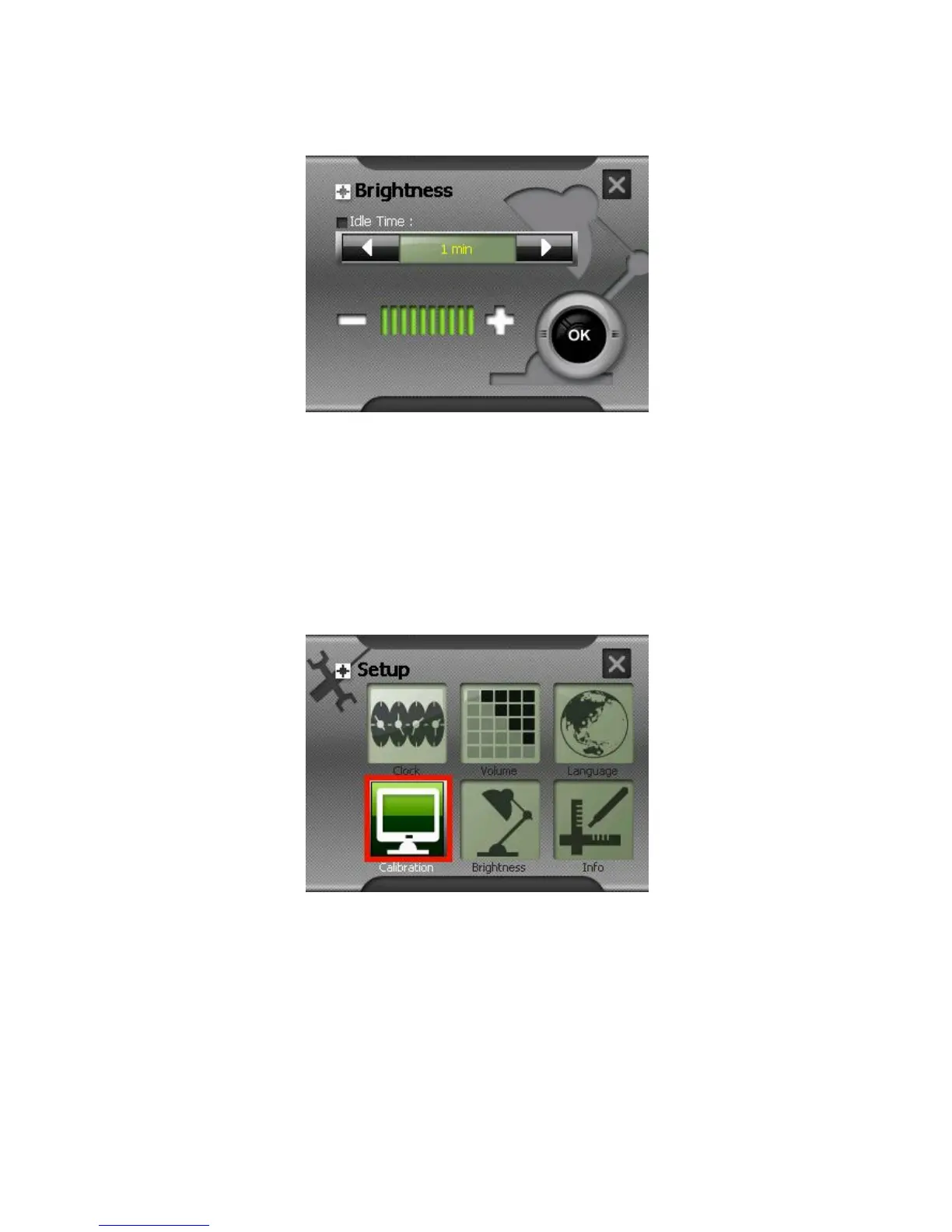
Tap the Idle Time box and select the time. The options are 1 minute, 2 minutes, 5
minutes, never.
3.3 Calibration
You can calibrate the touch screen if it is not responding accurately to your stylus
pen taps.
1. Tap Setup on the Main screen.
2. Tap the Calibration button on the Settings screen.
3. Tap and hold the center of the target.



 To Next Page