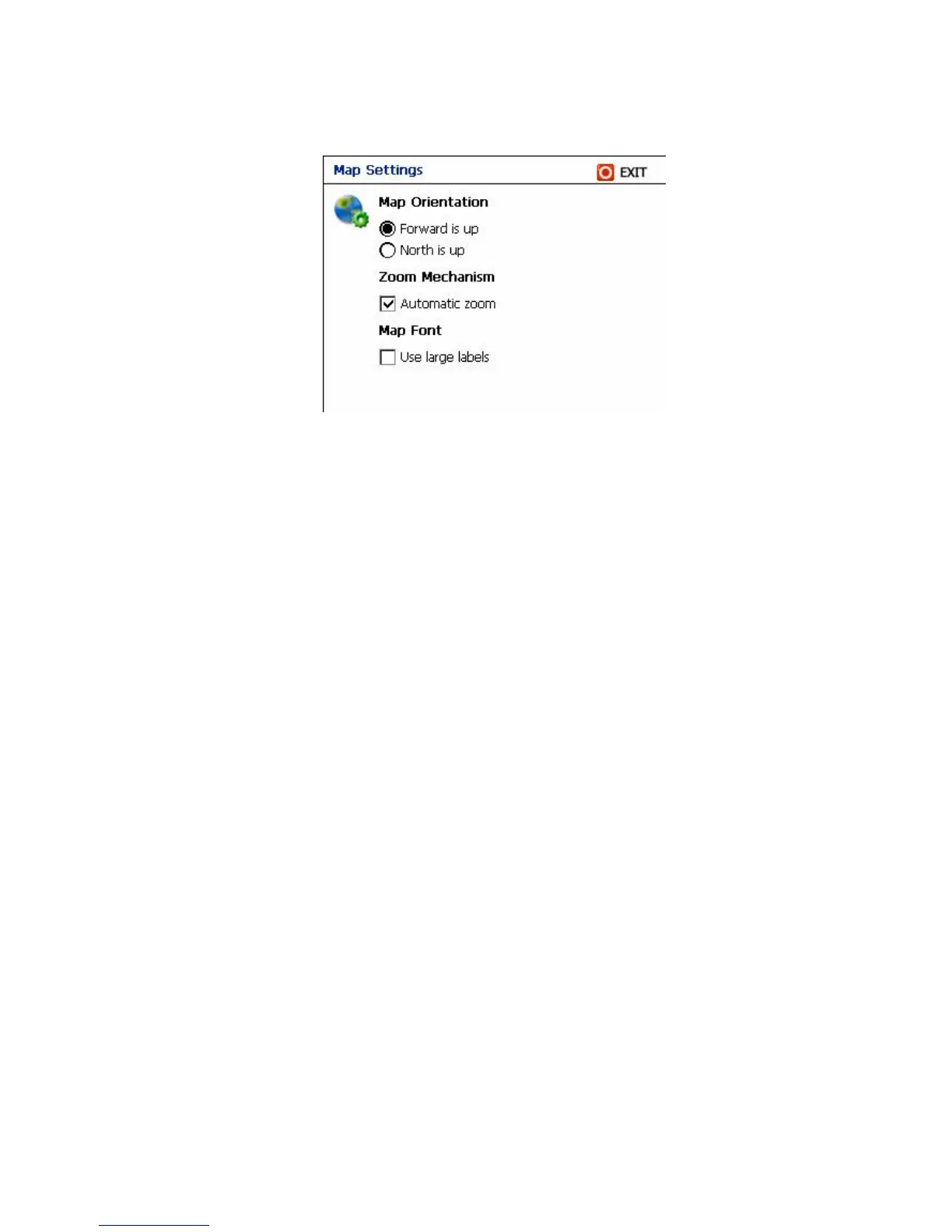
Map Orientation
1. Forward is Up - Dynamic Map Notation – the map will rotate as the vehicle
turns. Destinator will also update the compass to show the North-South
direction as the vehicle turns.
2. North is Up - North map notation – Destinator will keep the map static in a
North or UP - always at top orientation.
Zoom Mechanism
Automatic Zoom - the software automatically scales the map according to the
current speed of the vehicle.
Map Font
Use Large labels - easier to read under adverse lighting conditions, as inside a
vehicle.
5.4 Options – Route Settings



 To Next Page