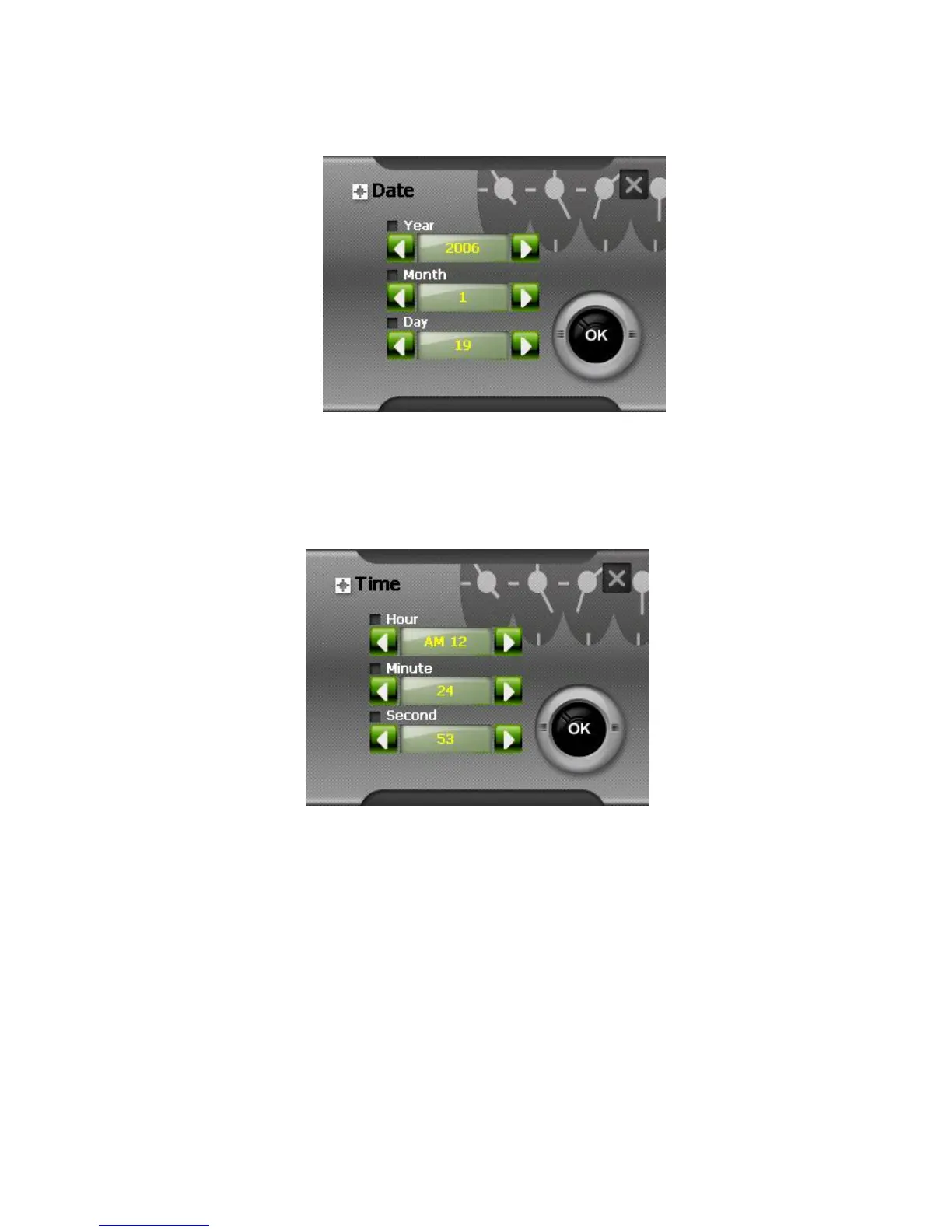
You can also tap the month and year on top of the calendar to change the
month and year. Then tap the date on the calendar.
.
5. Before setting the time, you can tick the 24-hour format box to use 24-hour
format. Then tap the item (Hour/Minute/Second) you want to set..
3.5 Language
To set the Language:
1. Tap Settings on the Main screen.
2. Tap the Language button on the Setup screen.



 To Next Page