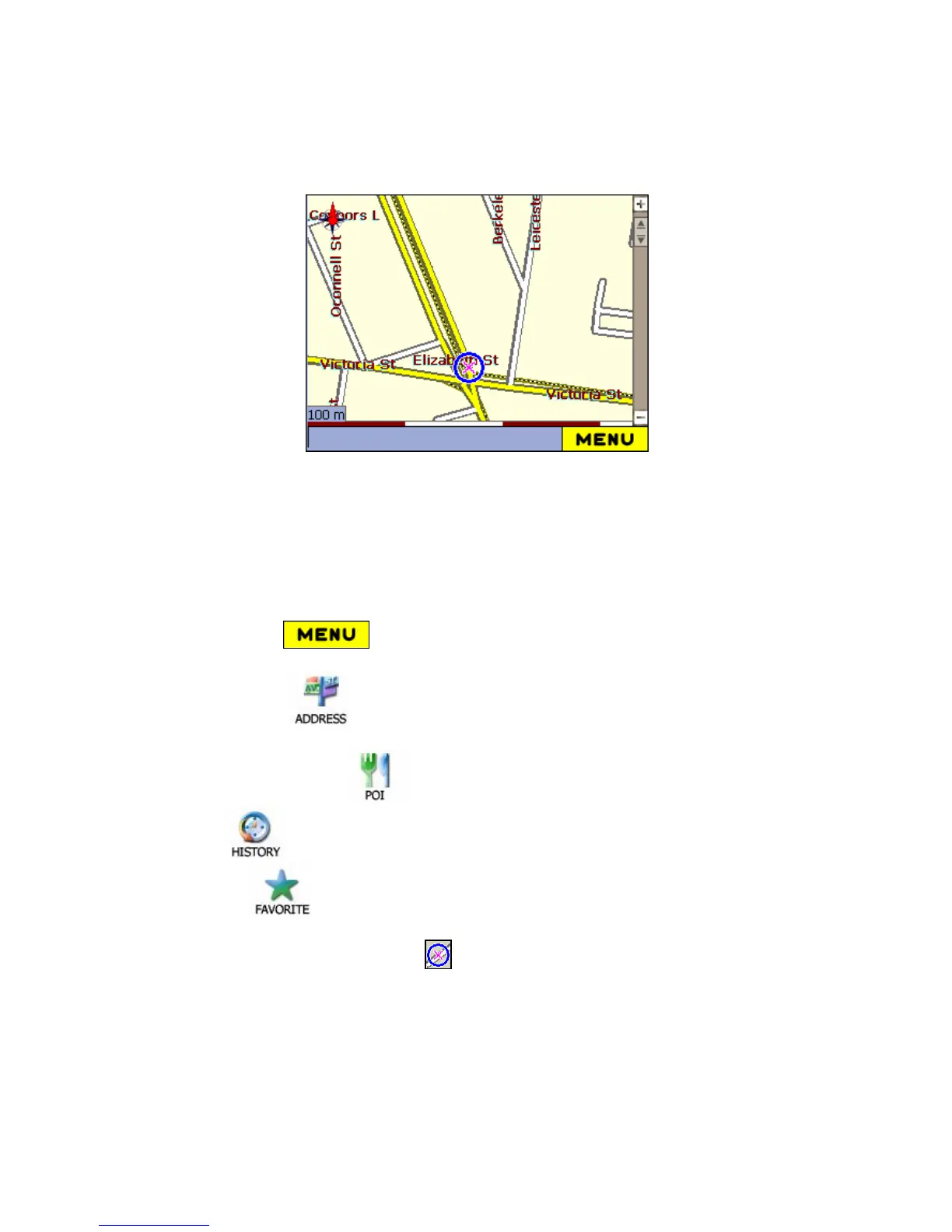
7. The main menu will be as following:.
4
4
.
.
3
3
N
N
A
A
V
V
I
I
G
G
A
A
T
T
E
E
T
T
O
O
A
A
K
K
N
N
O
O
W
W
N
N
A
A
D
D
D
D
R
R
E
E
S
S
S
S
You can access many functions of your Navigation device from the Main Menu. To
access the Main Menu, press the Menu button located at the bottom left of the
Map Screen after starting your device.
1. Click Manu button, which opens the Address.
2.Select the Known Address:
Address menu
From Map Cursor (Pop-up screen)
Point of Interest (POI)
History
Favourites
From your current position, the route (blue) is calculated and displayed. The
Circle (blue - with a cross inside) represents your Origin (departure point).



 To Next Page