6
6
.
.
V
V
I
I
E
E
W
W
6.1 Introduction
Destinator
contains many improvements and enhancement, eg: increased
viewing area, clearer driving direction, brighter colors for increased viewing,
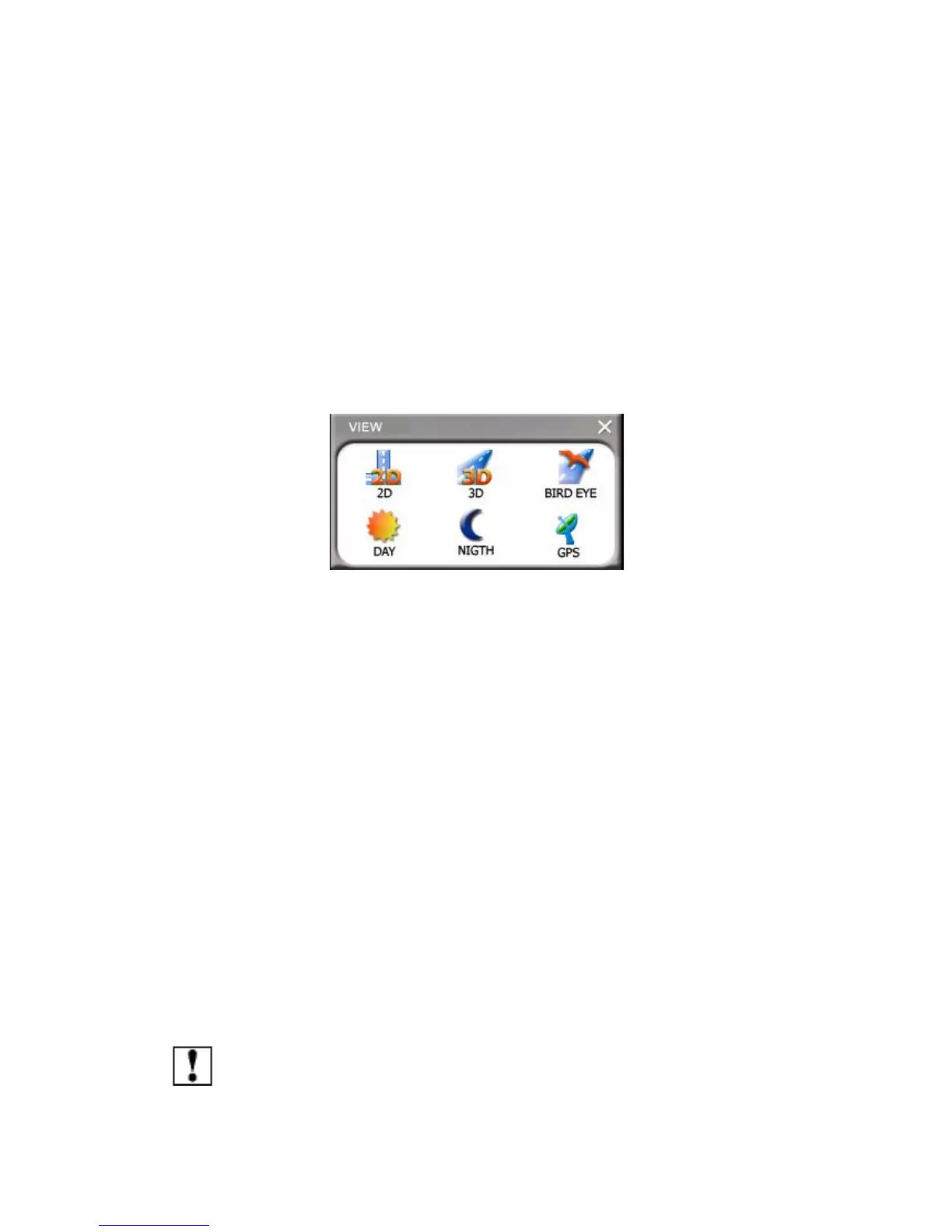
less cluttered screen as well as additional map views like Bird’s-eye
(enhanced 3D) view.
6.2 Overview
This chapter contains a description on the following topics:
1.How to Zoom
2.Types of View
3.3D Enhanced – Bird’s-Eye View
4.Improved visual driving direction
5.Improved Maneuvering indicators (Turn by turn)
6.Day Mode
7.Night Mode
8.Show Route
Note: Please remember, if you are using Destinator Lite, many of the
functions and features listed will not work or be available.



 To Next Page