OPERATION
Combitherm® CT PROformance™ Series ? Operator’s Manual ? MN-35948 ? Rev 0 ? 3/17
22
Continued from previous page
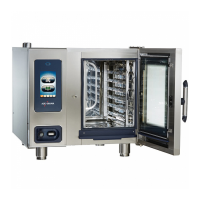
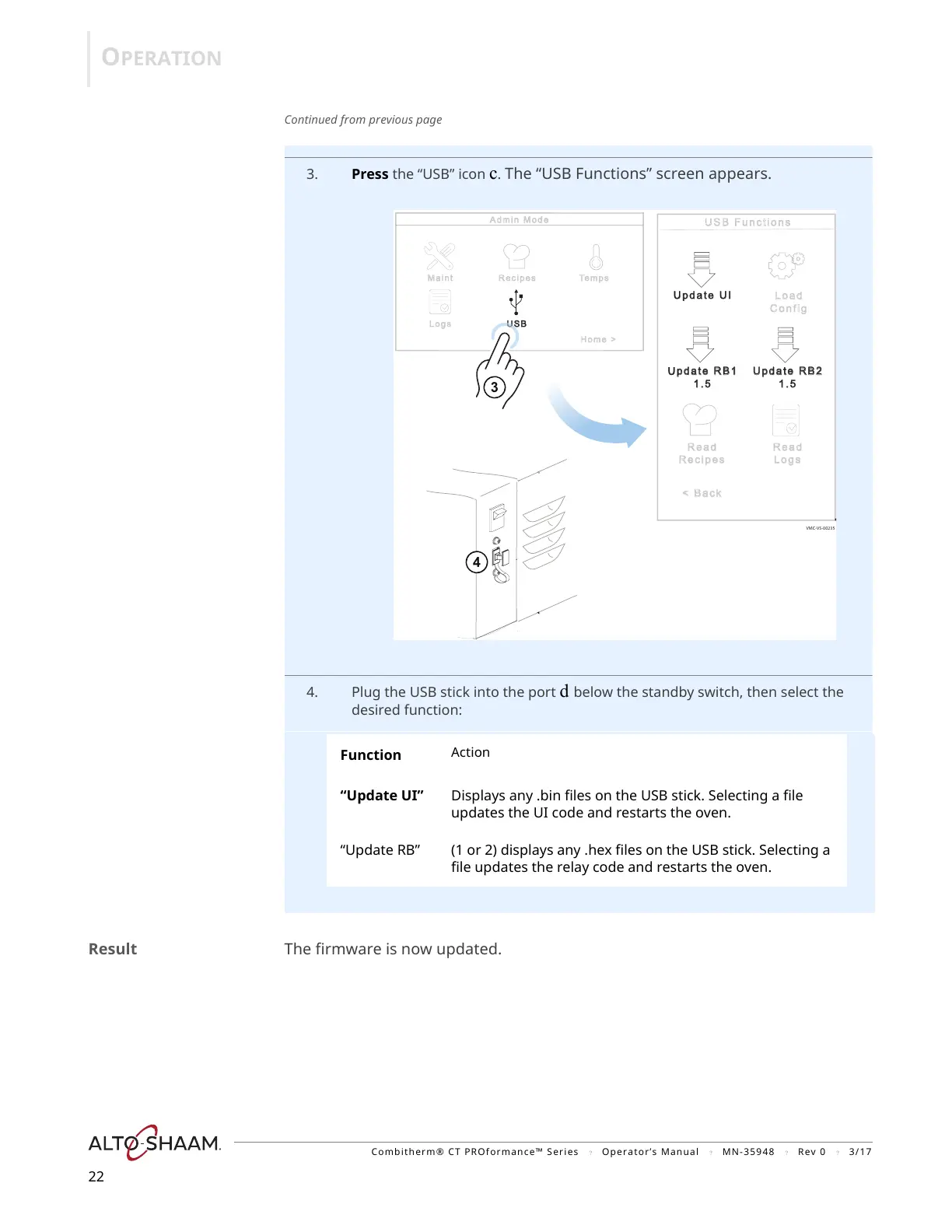
3. Press the “USB” icon c. The “USB Functions” screen appears.
4. Plug the USB stick into the port d below the standby switch, then select the
desired function:
Result The firmware is now updated.
Function
Action
“Update UI” Displays any .bin files on the USB stick. Selecting a file
updates the UI code and restarts the oven.
“Update RB” (1 or 2) displays any .hex files on the USB stick. Selecting a
file updates the relay code and restarts the oven.


 To Next Page
 Loading...