5
Quick Start / Connection Diagrams
Note: Items not listed in the Box Contents are sold separately.
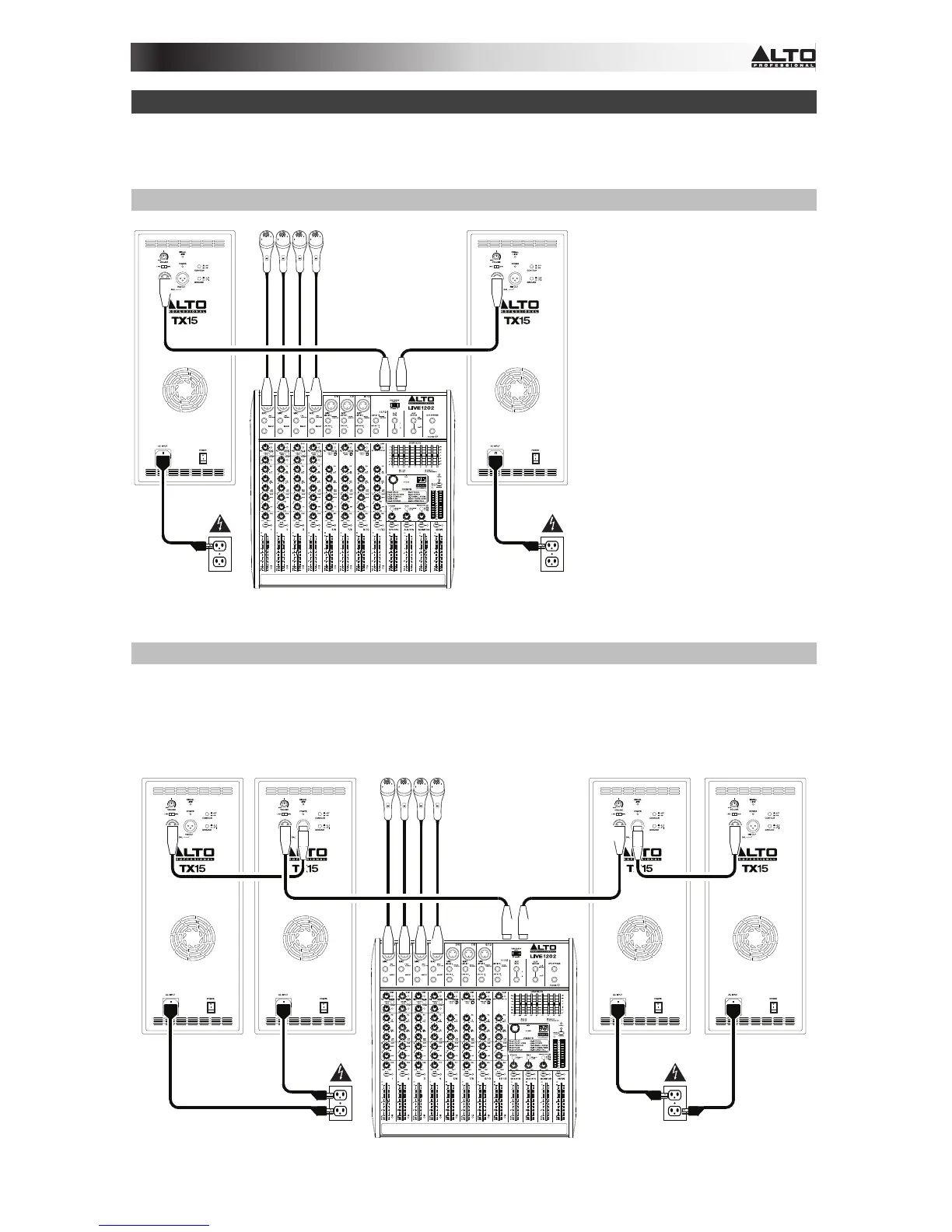
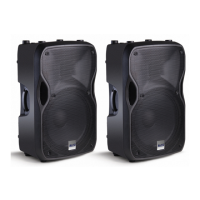
Example A: 2 loudspeakers
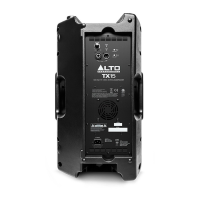
Connect each of your mixer's
main outputs to the Input on a
TX loudspeaker. Make sure the
loudspeakers' Input Selectors
are set to Line.
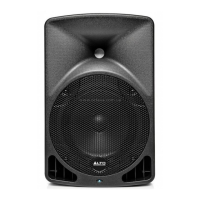
Example B: 2 loudspeakers, 2 extensions
Connect each of your mixer's main outputs to the Input on a TX loudspeaker. Make sure the
loudspeakers' Input Selectors are set to Line. Connect each of your TX loudspeakers' Mix
Outs to the inputs of your extension loudspeakers.
Mixer
Power
Power
Microphones
(mixer's
main outputs)
Mixer
Power
Power
Microphones
(mixer's
main outputs)


 To Next Page