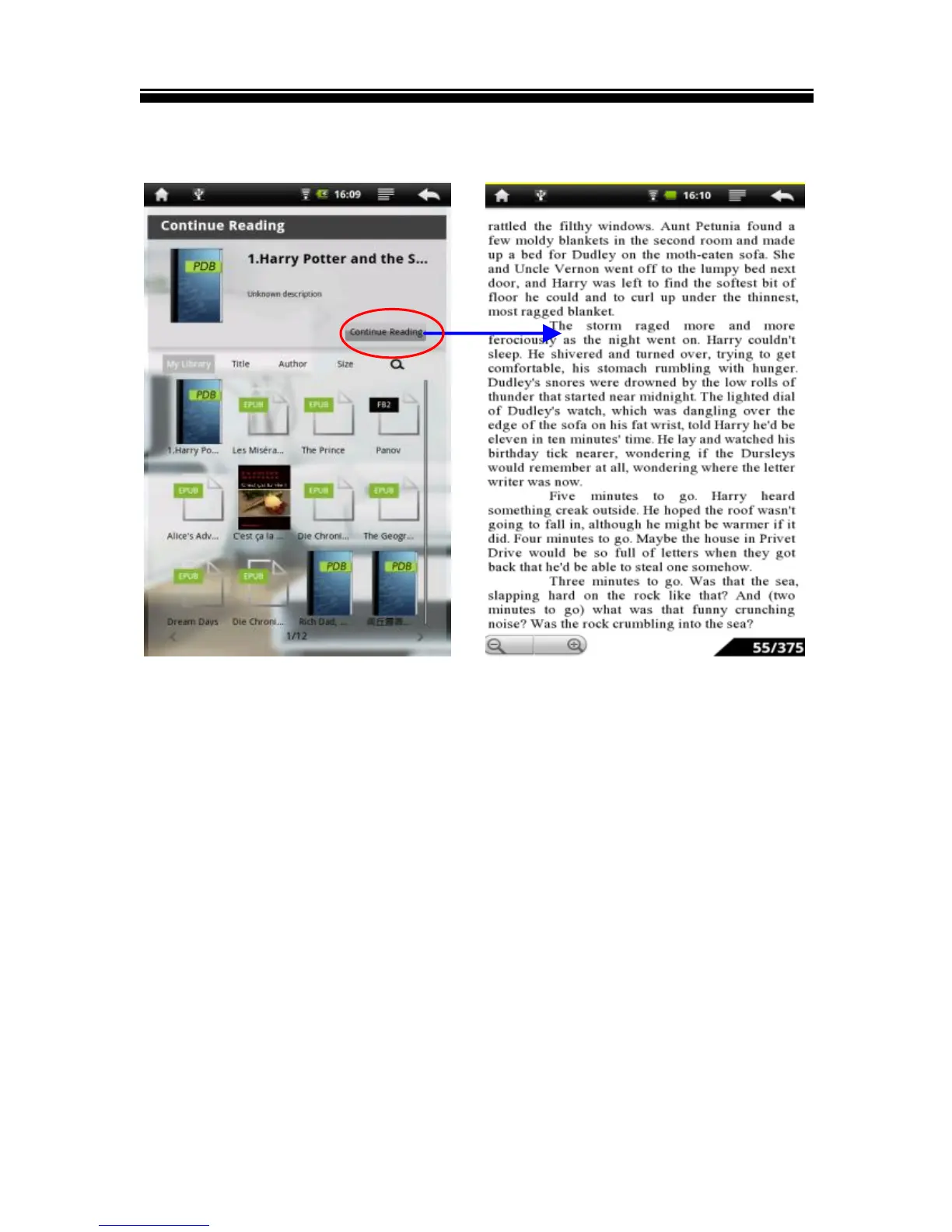
Continue Reading
Tap Continue Reading to read e-books:
Page turning
On reading page screen, slide your finger from left to right or
right to left to turn the page. You may also tap the left or right
side of the page to turn to the next or previous page.
Zooming In/Out
Zooming buttons on the lower left corner of the page to
enlarge page image (available on ePub & PDF ebooks only).
Tap Zoom+ or Zoom- to Zoom in/Zoom out.



 To Next Page