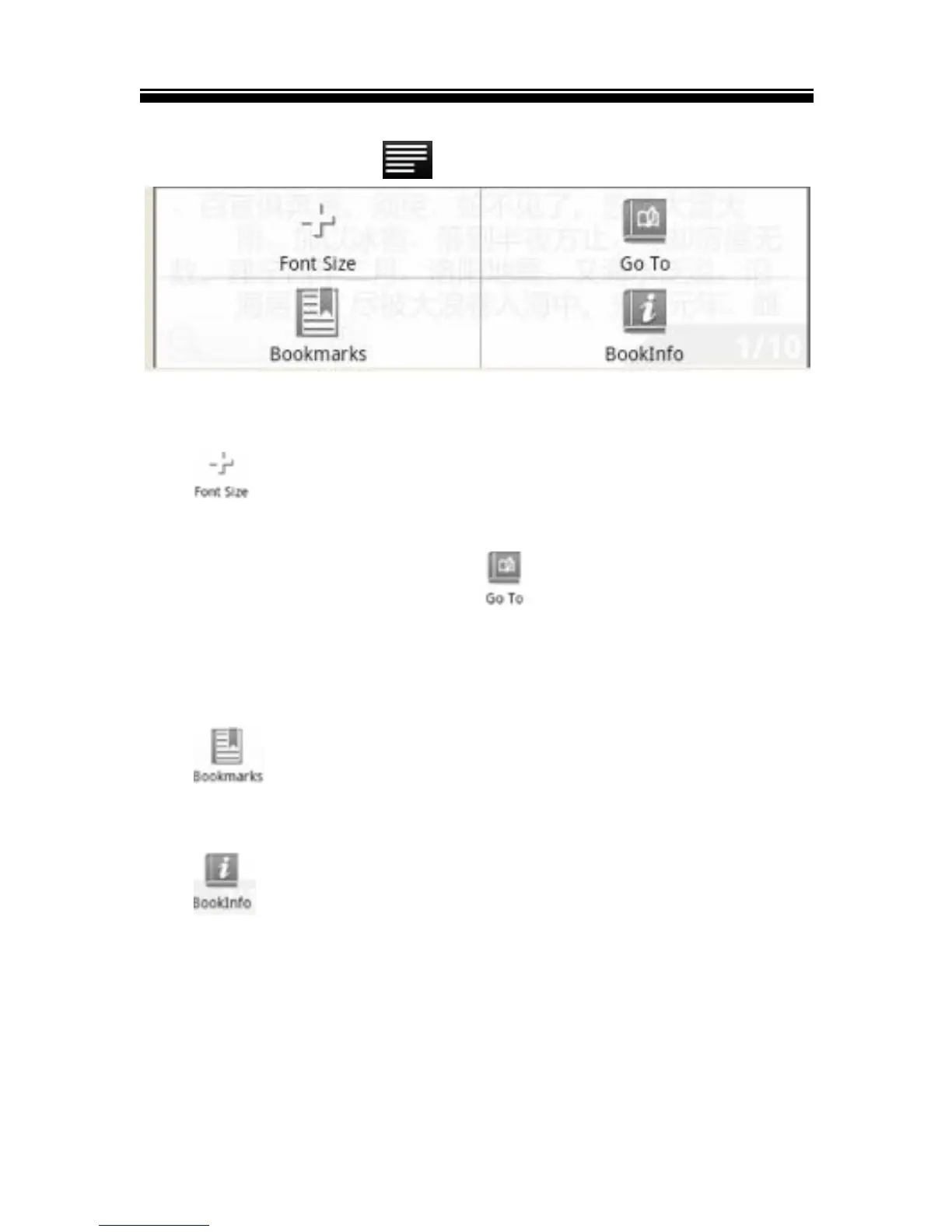
Using Option Menu in Reading
While reading, tap the button to display e-book menu.
Change font size
Tap to adjust the font size.
Skip page :
1. On the options menu, tap to skip to a specific page,
2. Enter the page number and tap OK to go to the desired
specific page.
Using Bookmarks
Tap to show, add, or delete bookmarks.
View book information
Tap to display book information, including Title, Author,
and publication date.



 To Next Page