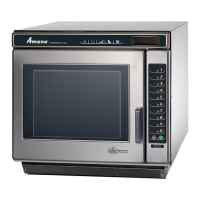
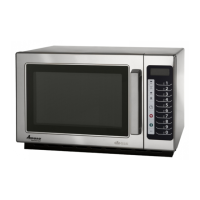
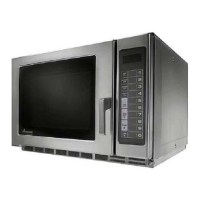
15 RS2220001 Rev. 2
1. Open oven door.
2. Press
1
pad for five seconds.
MENU
2
MENU
1
DELETE
STATUS
PAUSE
ADD
Hidden
Enable
MENU
3
MENU
4
Option Description Code
End of cycle signal tone
Off OP:10
Continuous tone* OP:11
5 continous tones OP:12
5 tones, 5 cycles OP:13
Tone when pad is pressed
Off OP:20
On* OP:21
Control panel resets when
door is opened
Off* OP:30
On OP:31
End of cycle signal volume
Loud* OP:40
Medium OP:41
User time limit
Off OP:50
On* OP:51
* AS SHIPPED FROM FACTORY
Option Progams (All Models Except WDYRC)
MENU
2
MENU
1
DELETE
STATUS
PAUSEADD
Hidden
Enable
QUANTITY
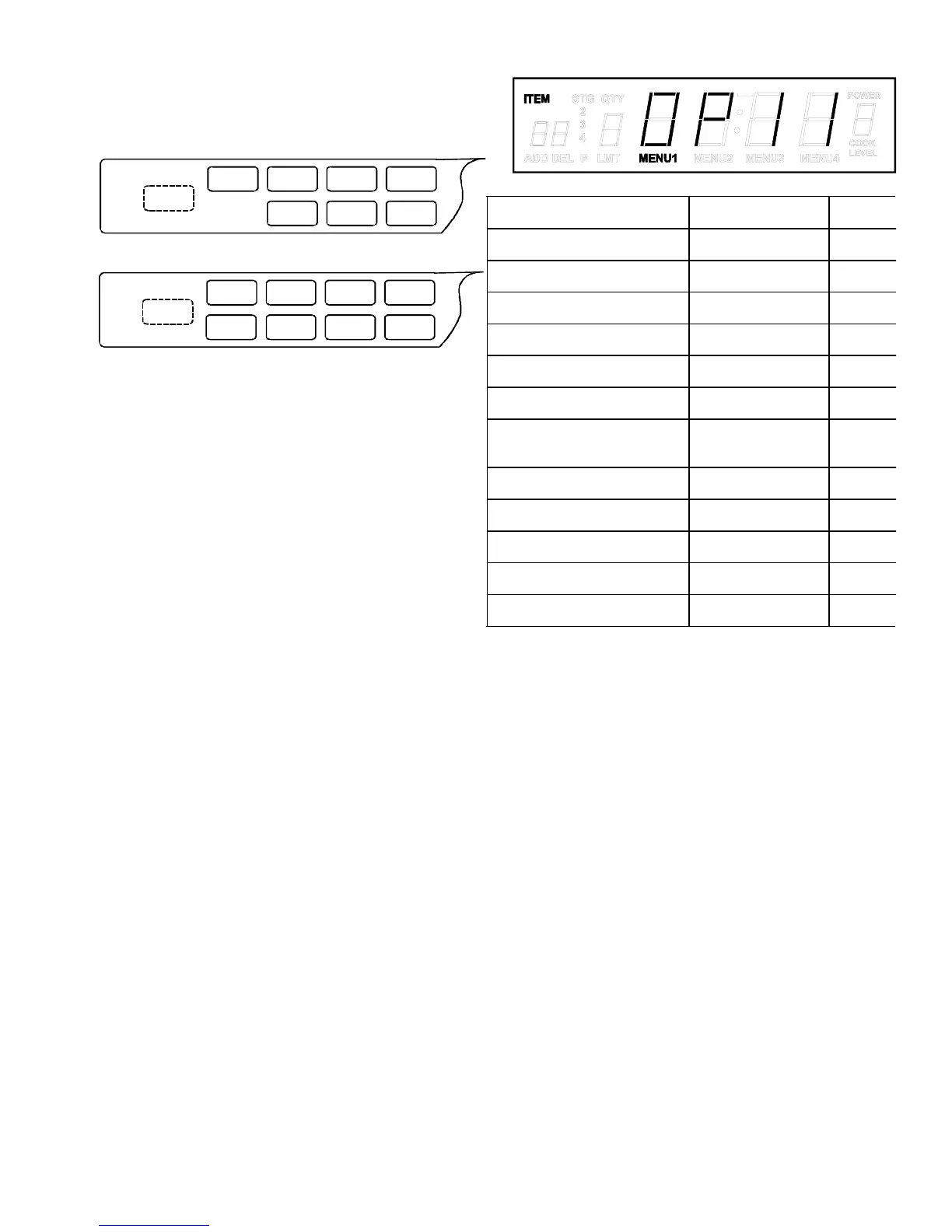
DQ & MC Models
RC Models
3. Press hidden enable pad.
NOTE: Display will indicate option code. Example:
OP:11
4. Press
START
pad to view active option codes.
5. Press
STATUS
pad to change option codes.
6. Repeat steps 4 and 5 to change additional options.
7. Press hidden enable pad to return to programming
mode.
8. Press
RESET
pad or close oven door.



 To Next Page
 Loading...