Quick Program Mode Guide
These instructions must be followed in the order in which they are
given. The PIX-10 has two programming modes: Normal and Quick.
Either mode may be accessed by simply entering a specific
password. To enter the Normal programming mode, use the
password “8088” and follow the instructions to program all the items.
Refer to page 9 to enter the Normal mode password. For a quick
setup of a particular item in the PIX-10, use the alternate password
which correlates to the print style of choice. (See chart on page 5.)
The “Quick” mode shortens the print style setup. Refer to page 6 to
enter the Quick mode.
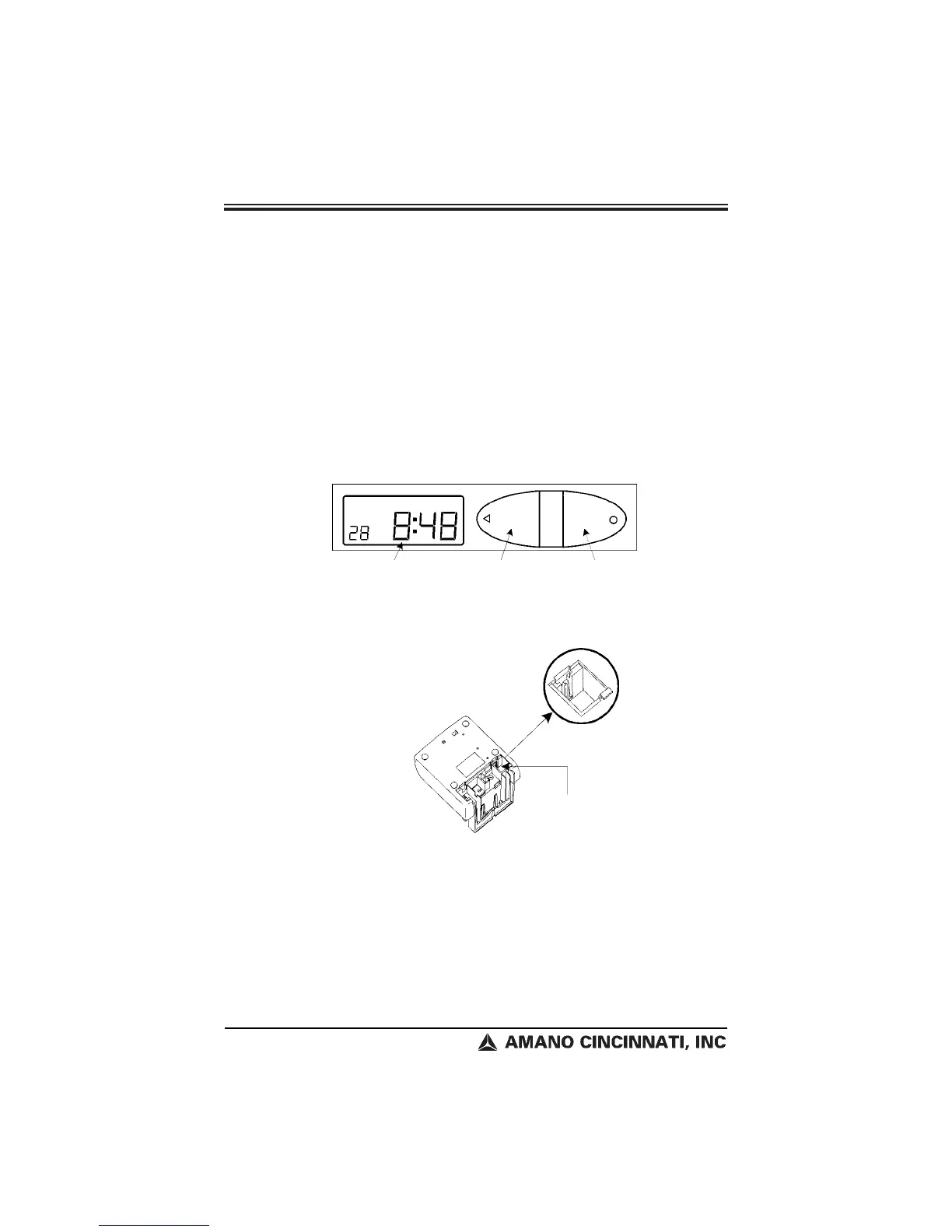
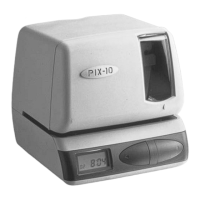
1. Understanding the Front Panel
2. Plug In the Power Cord
Note: To exit the programming mode
and return to the time display, press
the RESET button at any time.
Page 4
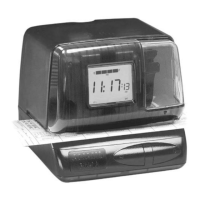
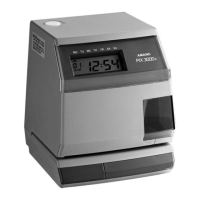
PIX-10
LCD Display Window
Print / Change Button
Print / Enter Button
The RESET Button is
located in the right lower
corner on the bottom of
the clock.


 To Next Page