-12-
2.2.3 Press the INT button to select FX mode, then rotate the INT control knob to
toggle between Club Lights
, Paparazzi , Lightning , TV , Candle, Fire, Strobe,Explosion,
Fault Bulb, Pulsing , Welding , Cop Car, Color Chase , Party Lights, Fireworks.
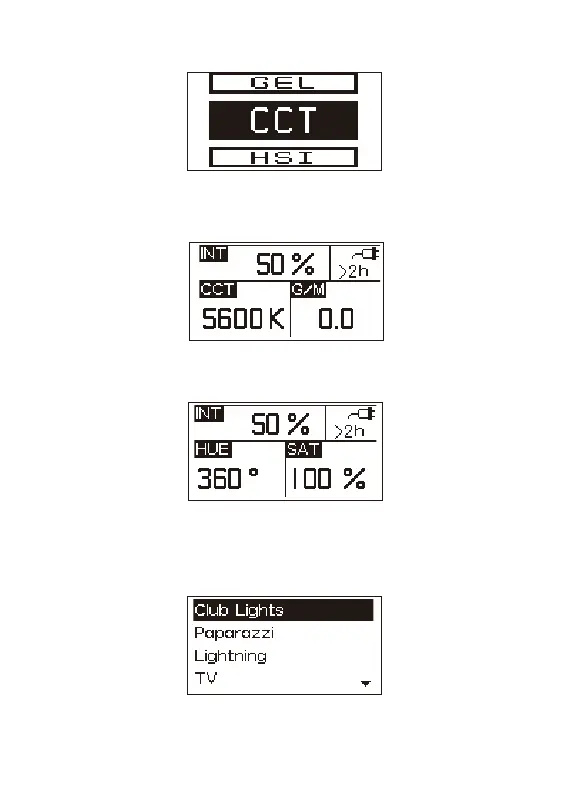
2.1 Press the Light Mode button to enter the interface
2.2.1 Press the INT knob, select CCT mode to adjust color temperature (2500K~7500K),
brightness (0%~100%) and G/M(-1.0~+1.0)
2.2.2 Press the INT knob and select the HSI mode to adjust the hue, saturation and
brightness.
*Under Lightning and Explosion effects, press the INT knob, will trigger the effects ; under other
effects press the INT knob to circulate or stop the effects.


 To Next Page