-13-
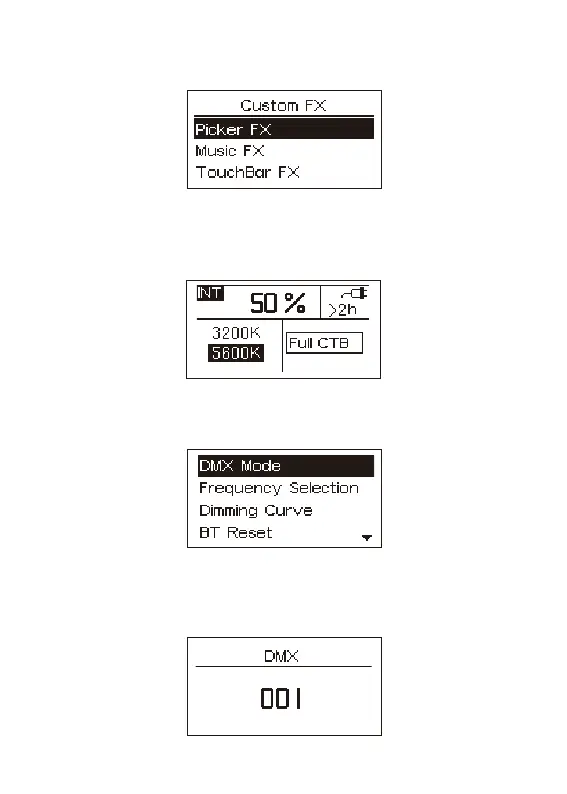
2.2.4 Press the INT knob, after selecting the CFX mode, Rotate the INT knob to select
the Picker FX, Music FX, and TouchBar FX.
2.2.5 Press the INT knob to select GEL mode, rotate the INT knob to adjust the brightness,
rotate the CCT/HUE knob to select 3200K/5600K, rotate G/M/SAT knob to select GEL.
2.3 Press the MENU button to enter MENU, as shown in the figure below.
2.3.1 DMX Mode
Press the INT knob to enter the DMX mode, and rotate the INT knob to adjust the DMX
channel (001~512).


 To Next Page