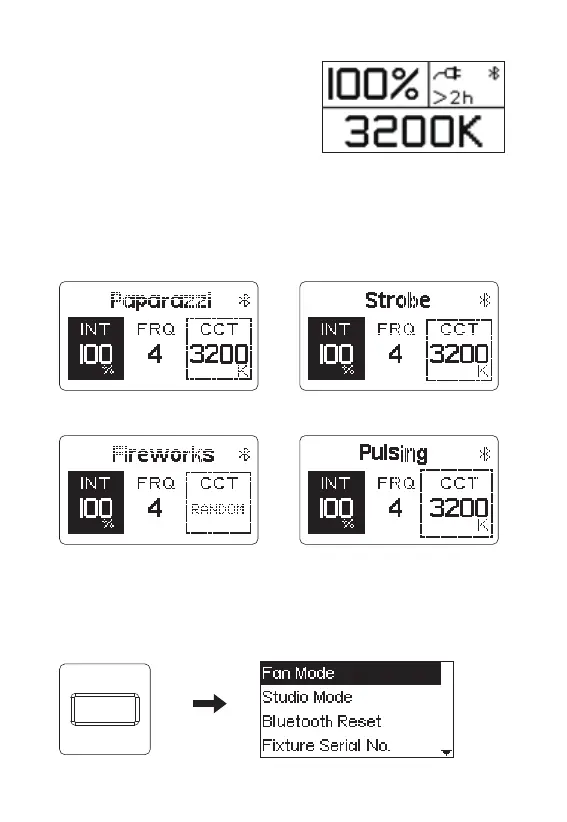
2.1 Press the LIGHTING button to
enter CCT mode to adjust the CCT
and INT of the light.
2.2 Press the EFFECTS button, the default current light effect mode takes
effect ( a total of four light effects: paparazzi, Strobe, fireworks, Pulsing ).
Paparazzi Strobe
Fireworks Pulsing
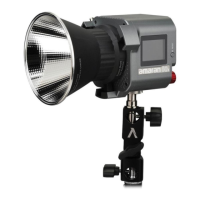
2.3 Press the MENU button to enter the menu interface.
- 10 -
MENU


 To Next Page