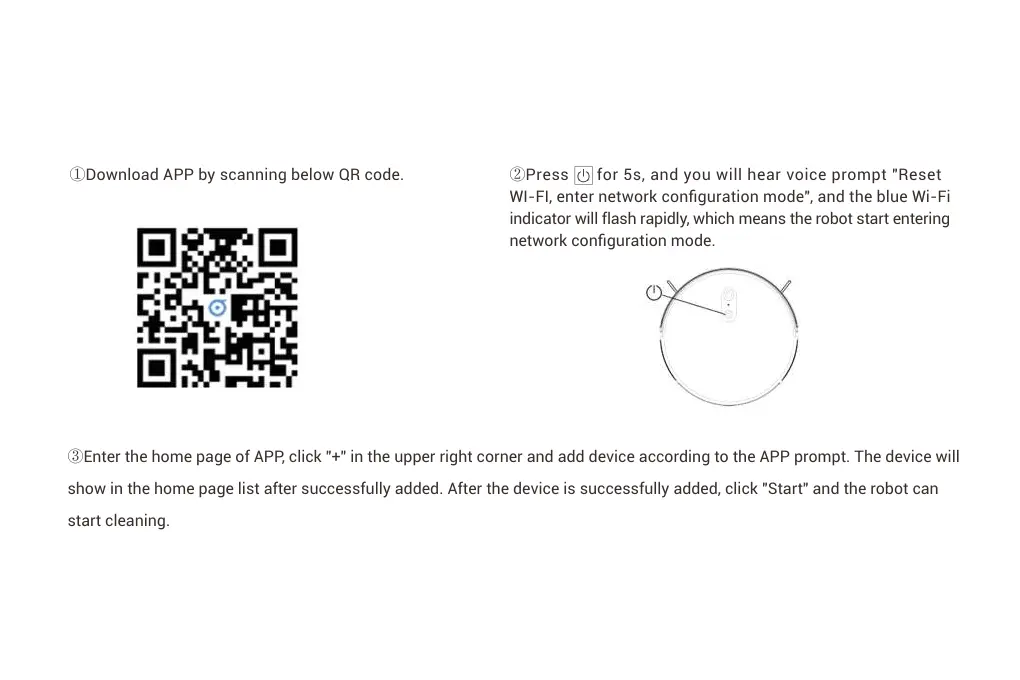
②Press for 5s, and you will hear voice prompt "Reset
WI-FI, enter network configuration mode", and the blue Wi-Fi
indicator will flash rapidly, which means the robot start entering
network configuration mode.
③Enter the home page of APP, click "+" in the upper right corner and add device according to the APP prompt. The device will
show in the home page list after successfully added. After the device is successfully added, click "Start" and the robot can
start cleaning.


 To Next Page