8
Chord
Start/Stop, SYN Start
Prelude/Coda
A ll 1
B ll 2
Sound
Rhythm
1.Press [CHORD ON/OFF] button, indicator light on, Automatic Chord Function on.
2.Press [CHORD ON/OFF] button, indicator light off, Automatic Chord Function off.
Press [START/STOP, SYN Start] button, Digital tube blinking, then press any key to make
the automatic accompany on. (If “CHORD ON/OFF” function on, only the left side
keys will be work. To press the [START/STOP, SYN START] button again, the automatic
accompany function will turn off.
Before automatic accompany start, press [PRELUDE/CODA] button, Prelude on and get
into the main music A. Press [PRELUDE/CODE] button when automatic accompany
playing, accompany will play a coda automatically and end the music.
Press [A FILL 1] when in automatically accompany on, Accompany function will get into
main music A.
Press [B FILL 2] when in automatically accompany on, Accompany function will get into
main music B.
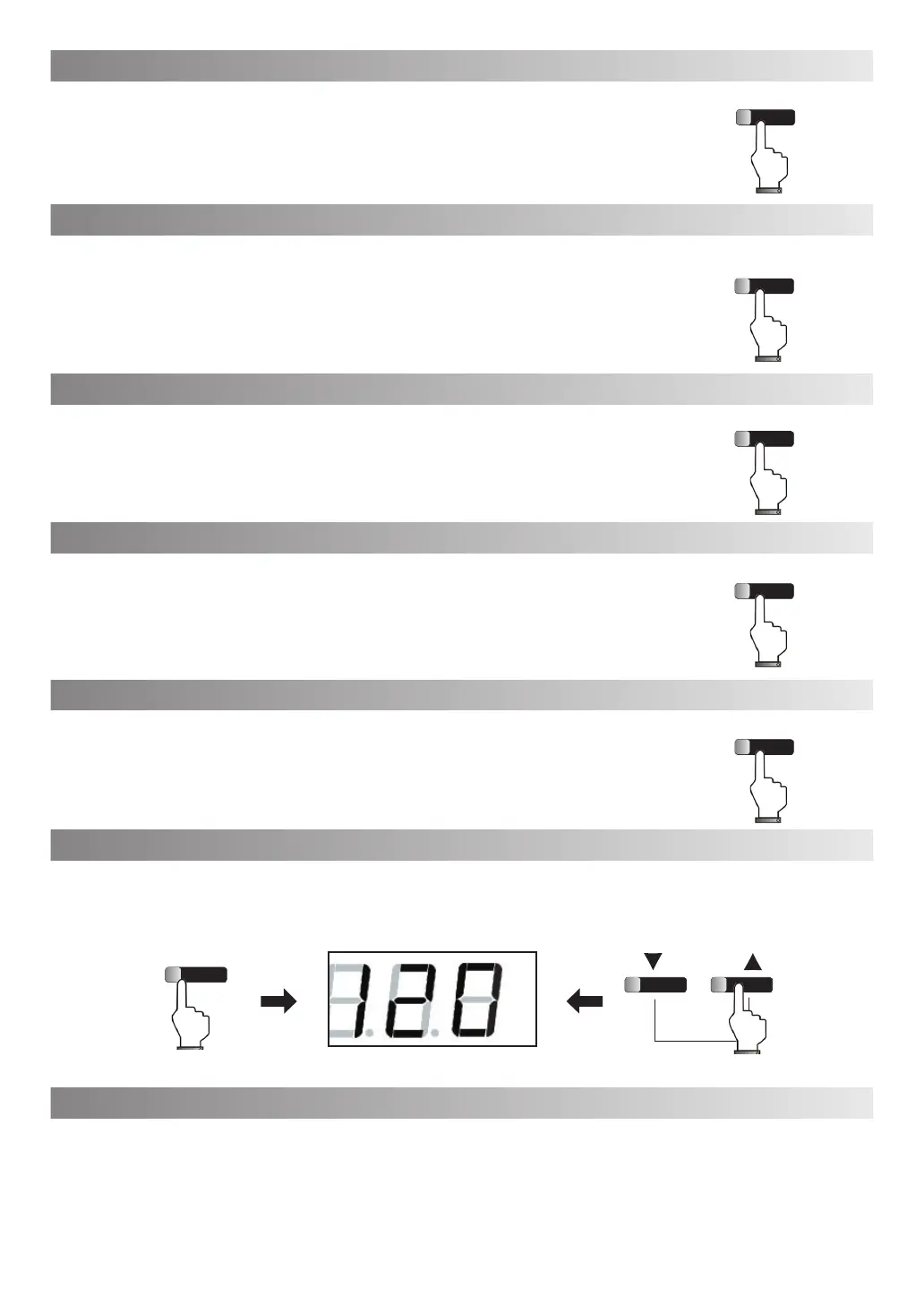
Press [SOUND] button, Sound choosing function is activated, The sound number will display on digital tube. Then
press [DATA/TEMPO] button to switch the sound within 5 seconds.
Press [SOUND] button when sound function activated, the sound will be switched to Grand piano sound.
Press [Rhythm] button to activate the rhythm function, then press [DATA/TEMPO] button to choose rhythm.(For
Rhythm list, refer to appendix)
CHORD ON/OFF
START/STOP
SYN START
PRELUDE/CODA
A/FILL 1
B/FILL 2
SOUND
DATA/TEMPO
SONG/TEACHING



 To Next Page