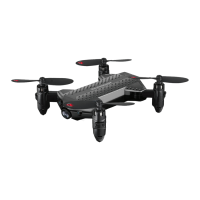
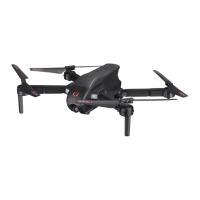
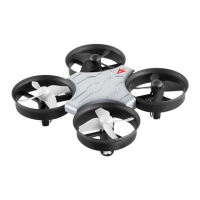
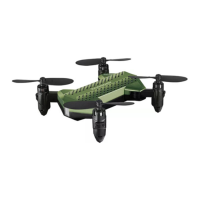
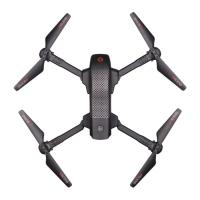
FEATURES
CHARGING THE STARRIDERS™
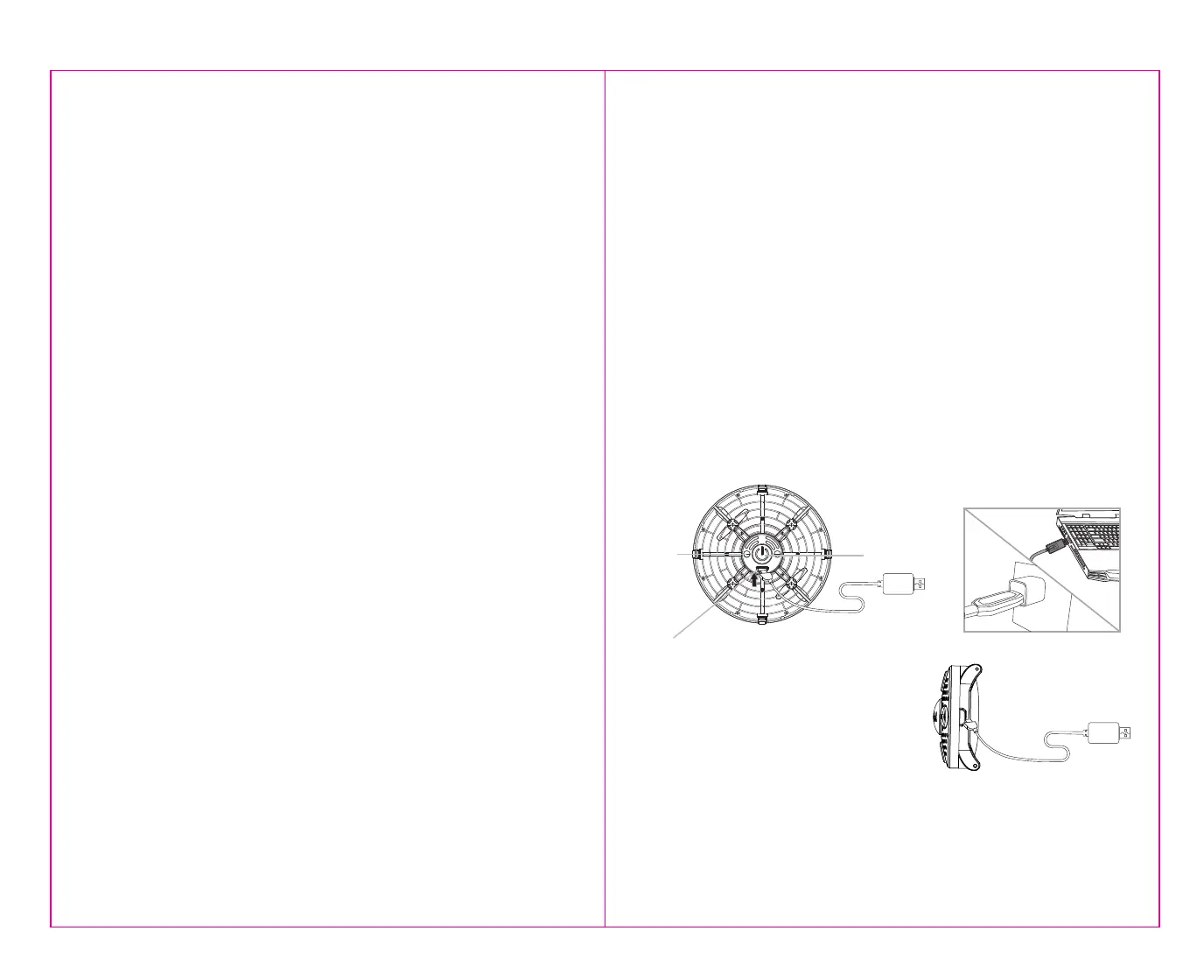
1. Turn off your STARRIDERS™ and plug the included USB charging cord into the charging socket on the bottom of the
STARRIDERS™ (see diagram A).
2. Connect the other end of the USB cable to either your computers USB port or a UL/CE approved USB wall charger
(see diagram B). IMPORTANT: If using a high-speed USB wall adapter make sure that the output is less than 7V
otherwise the STARRIDERS™’s internal charging circuit will shut down for safety reasons and not allow the
STARRIDERS™ to accept the charge.
3. When charging begins, the indicator lights on the STARRIDERS™ will light red to indicate that the battery is charging.
When the battery is fully charged the indicator lights will turn a solid green color.
4. The charging time may vary depending on the remaining percentage of charge the battery had left in it from
previous use. The average charging time is approximately 40-50 minutes. Once fully charged the STARRIDERS™
operates for approximately 5-7 minutes depending on the intensity of play.
LOW BATTERY INDICATOR: During play, when the STARRIDERS™'s batteries begin to run low, the on-board
indicator lights will change to a solid RED color and the Starriders Pilot will start flashing. This indicates that you
have approximately one-minute left to play, and shortly after, the STARRIDERS™ will automatically begin to
descend and land.
CHARGING THE CONTROLLER
1. Plug the included USB charging cord into the charging socket
of the controller (see diagram C).
2. Connect the other end of the USB cable to either your
computers USB port or a UL/CE approved USB wall charger
(see diagram B).
3. When charging begins, the indicator lights on the controller
will light red to indicate that the battery is charging. When the battery is fully charged the indicator lights will
turn a solid green color.
4. The charging time may vary depending on the remaining percentage of charge the battery had left in it from
previous use. The average charging time is approximately 25-35 minutes.
LOW BATTERY INDICATOR: During play, when the CONTROLLER ’s batteries begin to get low, the indicator
lights will start flashing RED color.
TABLE OF CONTENTS
Features ...............................................................................................................2
Charging The STARRIDERS™.........................................................................................2
Charging The Controller..............................................................................................2
STARRIDERS™ Diagram..............................................................................................3
Remote Control Diagram.............................................................................................3
Understanding The On-board Indicator Lights When Flying Your Starriders™....................................4
Lets Get Started! ......................................................................................................4
How To Control Your STARRIDERS™ ...............................................................................5
Light & Music Switching Of Starrider™............................................................................6
How To Do 360˚ Stunt Rolls! (Using Hand Gesture) ................................................................6
How To Do 360º Stunt Rolls (Using Controller).................................................................7
Trouble Shooting......................................................................................................8
How To Play Safely!...................................................................................................8
STARRIDERS™ Warning: .............................................................................................9
Battery Warnings.................................................................................................... 9
Care And Maintenance.............................................................................................. 9
Limited 90-Day Warranty...........................................................................................10
FCC Part 15 C Notice ................................................................................................11
A. (Bottom View)
B.
C.
1 2
• Easy to Launch and Fun to Play
• Obstacle Avoidance Technology
• Hand Motion Controlled
• New 360˚ Somersaults!
• Infinite Spinning and Hovering
• Includes 5 different sound effects, plus exciting animated LED lighting effects
• Crash Resistant Design for Extra Durability
Charging
Socket
ON/OFF Button
LED indicator



 To Next Page