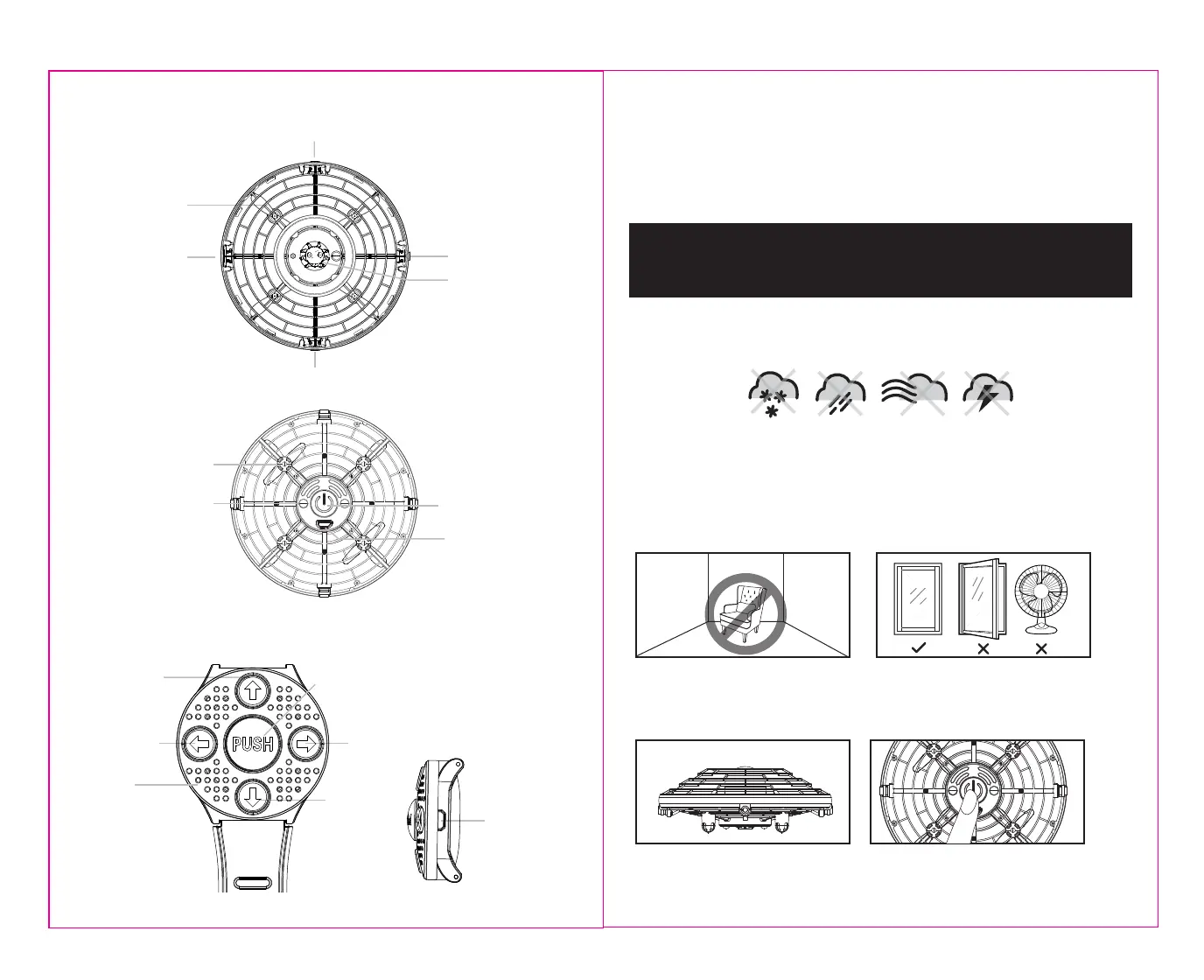
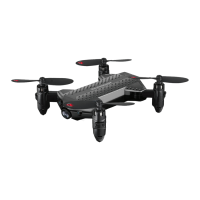
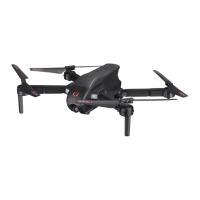
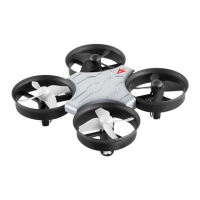
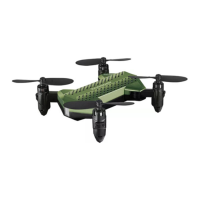
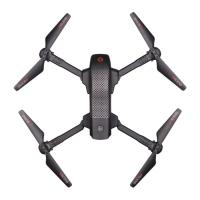
STARRIDERS™ DIAGRAM
REMOTE CONTROL DIAGRAM
Landing Gear
Motion Sensor
Motion Sensor
Motion Sensor
Motion Sensor
Rotor Blade
ON/OFF Button
Charging Socket
Rightside
360˚stunt roll
Leftside
360˚stunt roll
Forward
360˚stunt roll
Backward
360˚stunt roll
1). Automatic take off (Press for 3 seconds)
2). Light & sound switching button
Charging Socket
LET’S GET STARTED!
Follow these simple steps in the order below and you will be successfully flying your STARRIDERS™ in no time!
3 4
3. Make sure your STARRIDERS™ is fully charged.
1. Suggested to play indoors first to get the hang of it!
When using the STARRIDERS™ indoors, first find a
room in your house with high ceilings and a large
open space where you have room to walk around. You
may need to move some furniture.
2. Make sure all external sources of wind like ceiling
fans, floor fans or opened windows are turned off and
closed. Central Air conditioning should be okay but it is
a good idea to stay away from strong drafty areas.
4. Turn on the STARRIDERS™ to short press the ON/OFF
Button. The LED lights on the STARRIDERS™ will turn on
and start flashing, set it on flat level surface the green
LED light become solid (see diagram D).
DO NOT FLY YOUR STARRIDERS™ IN FOUL WEATHER!
WARNING
• Verify that STARRIDERS™ has been fully charged.
• Make sure the empty space has no obstacles that would obstruct flight.
DO NOT ATTEMPT TO FLY YOUR STARRIDERS™ IF THERE IS RAIN, SNOW, HEAVY WINDS, THUNDER OR
LIGHTNING OUTDOORS. IT COULD DAMAGE YOUR PRODUCT.
PREPARING FOR FLIGHT
D
Speaker
UNDERSTANDING THE ONBOARD INDICATOR LIGHTS WHEN FLYING YOUR STARRIDERS™
• When the Starriders Pilot starts flashing, it indicates low power mode and you will not be able to perform 360˚ flips
during this time.
• Solid RED lights indicate low power mode and you will not be able to perform 360˚ flips during this time.
• A BLUE light indicates that the STARRIDERS™ is flying horizontally across the room.
• A GREEN light indicates that the STARRIDERS™ is stabilizing and is in a good place for beginner and younger pilots
to attempt a 360˚ flip.
Starriders Pilot
LED indicator
THE STARRIDERS™ IS PRIMARILY DESIGNED TO BE USED INDOORS AS THERE WILL
BE NO WIND OR UV RAYS THAT MAY AFFECT FLIGHT. TO USE THE STARRIDERS™
OUTDOORS, PLAY AT DUSK, NIGHT TIME, OR IN SHADED AREAS AWAY FROM
DIRECT SUNLIGHT. ONLY PLAY OUTSIDE WHEN THERE IS LITTLE OR NO WIND.



 To Next Page