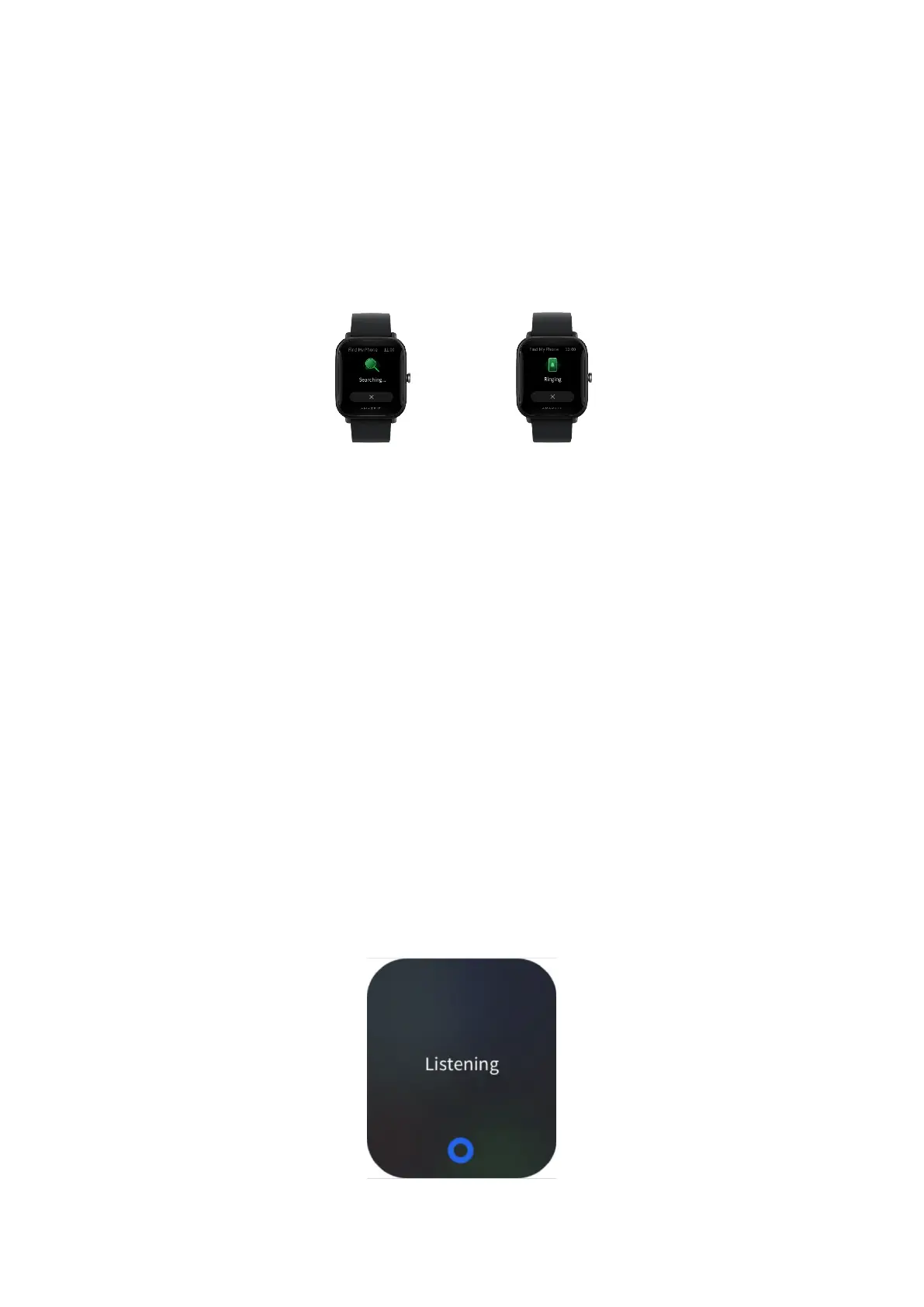
Find Phone
Keep the watch connected to the phone, go to the app list, and tap Find
mobile. Then, the phone will vibrate and ring.
Alexa
You can use Alexa when your watch supports Alexa and you have registered
a Zepp app account in a country or region where Alexa is supported.
Keep the watch connected to the phone, open the Zepp app, and go to Profile
> Third-party Access > Alexa, and log in to your Amazon account to authorize
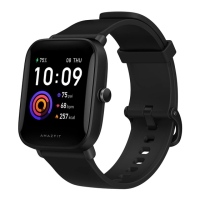
Alexa. After authorization is successful, swipe right on the watch face screen
to go to the Alexa screen, where you can communicate with Alexa, query
weather, and intelligently control home appliances.


 To Next Page