Workout
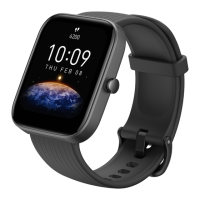
The Amazfit Bip U Pro supports 62 types of workout, including outdoor
running, treadmill, outdoor cycling, walking, open water swimming, and pool
swimming.
How to enable the workout feature
You can enable the workout feature in one of the following ways:
1. Select a workout type on the Workout screen to enable the workout
feature.
2. Press and hold the physical button of the watch to go to the Workout
screen.
Before you begin working out, the system checks whether the watch has
sufficient free storage space. If not, the system may overwrite previously
unsynchronized workout data when you begin working out. To prevent data
from being overwritten, we recommend that you connect to the Zepp app
soon after you finish working out to synchronize workout data.
If you select Outdoor Sports, wait until GPS positioning is successful on the
Workout Preparation screen. Then, tap GO to begin working out. This allows
the watch to record complete workout data.


 To Next Page